Wi-Fi Station Interface
To configure the Wi-Fi STA interface:
- Follow the menus for
- Network
- WLAN STA
After making your settings, save your configurations with the Save and Apply buttons.
2.4G Settings
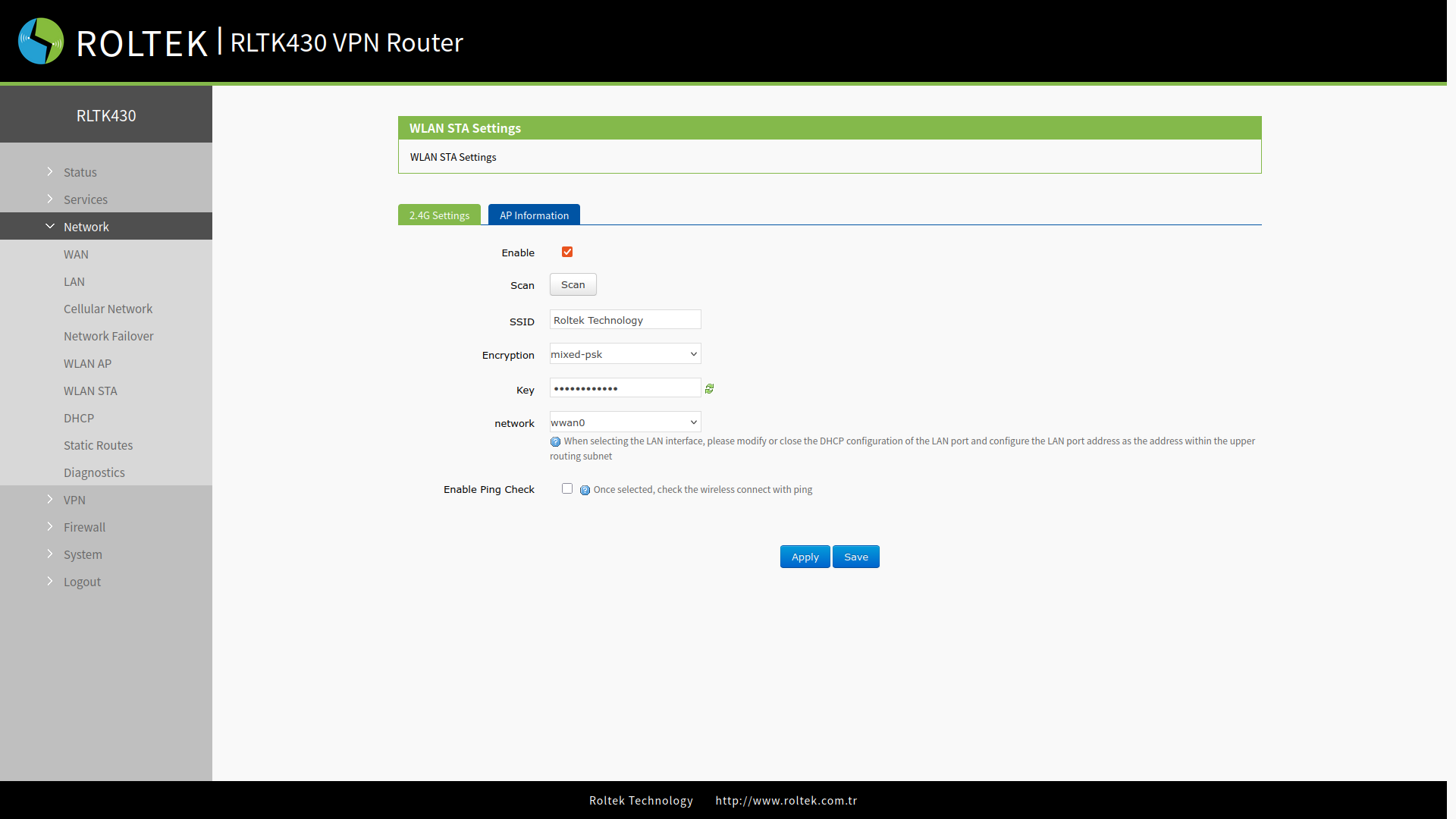
- Enable: Enable Wi-Fi Station.
- Scan: Wi-Fi networks can be searched using the Scan button.
- SSID: Selected from the scanned available SSID networks.
- Encryption: Security mode is selected.
- Key: Wi-Fi password.
- Network: Network mode is selected.
- wwan0: Relay mode.
- lan: Bridge mode. DHCP service must be disabled, and the LAN IP must be within the same segment as the connected router.
- Enable Ping Check: If enabled, the wireless connection is checked via ping.
- Reference address: If Enable Ping Check is enabled, the address to ping is selected. A different address can be chosen with Gateway or customize option.
- Ping Addr: If Reference address is selected as customize, the address to ping is entered here.
AP Information
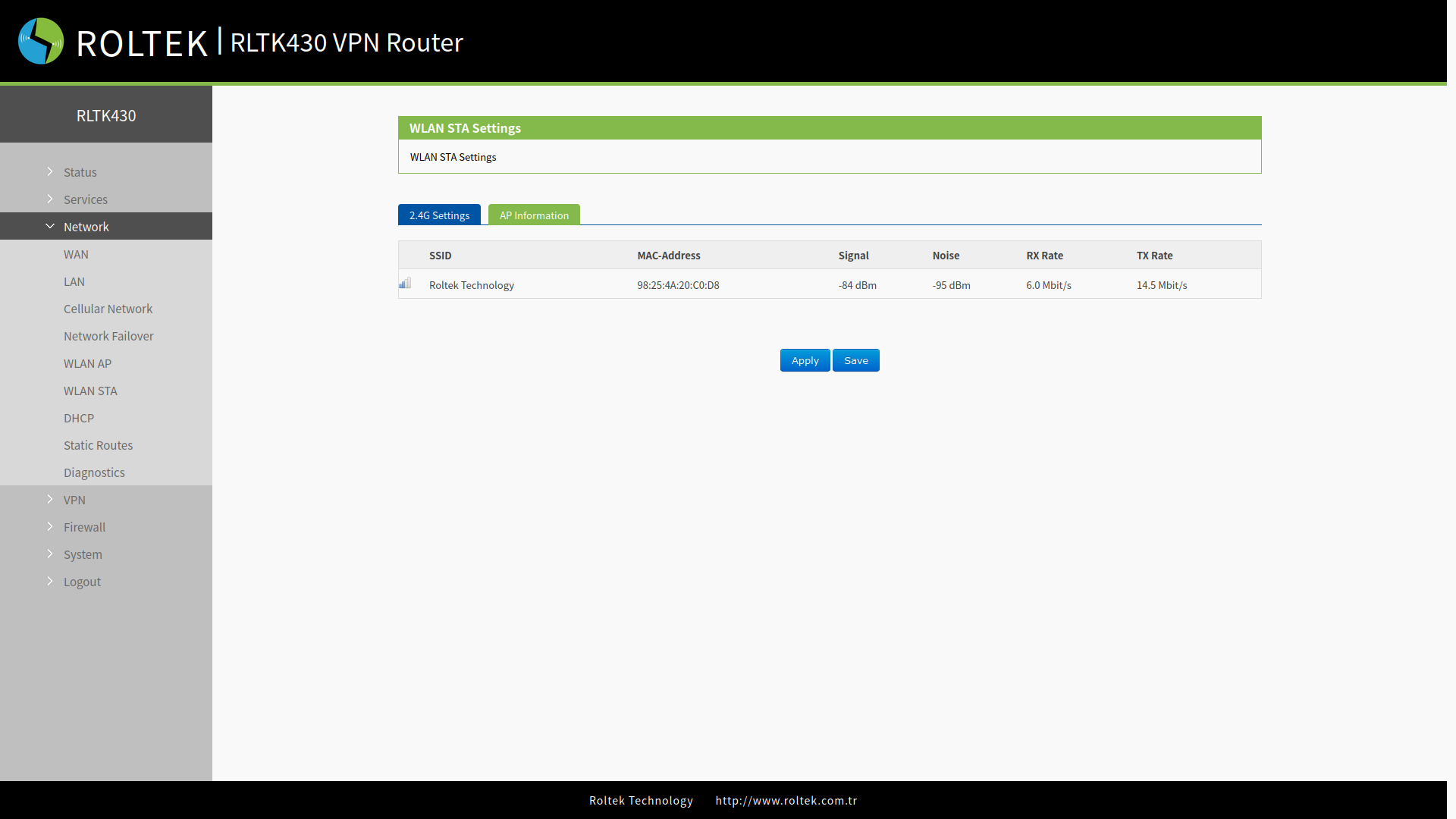
When the RLTK430 establishes a Wi-Fi connection, the access point information of the connected router can be viewed on this page:
- MAC Address
- IP Address / Domain name
- Signal Strength
- Total data transmission