Wireguard Settings
Follow the Settings and Wireguard tabs. This page allows you to configure Wireguard settings.
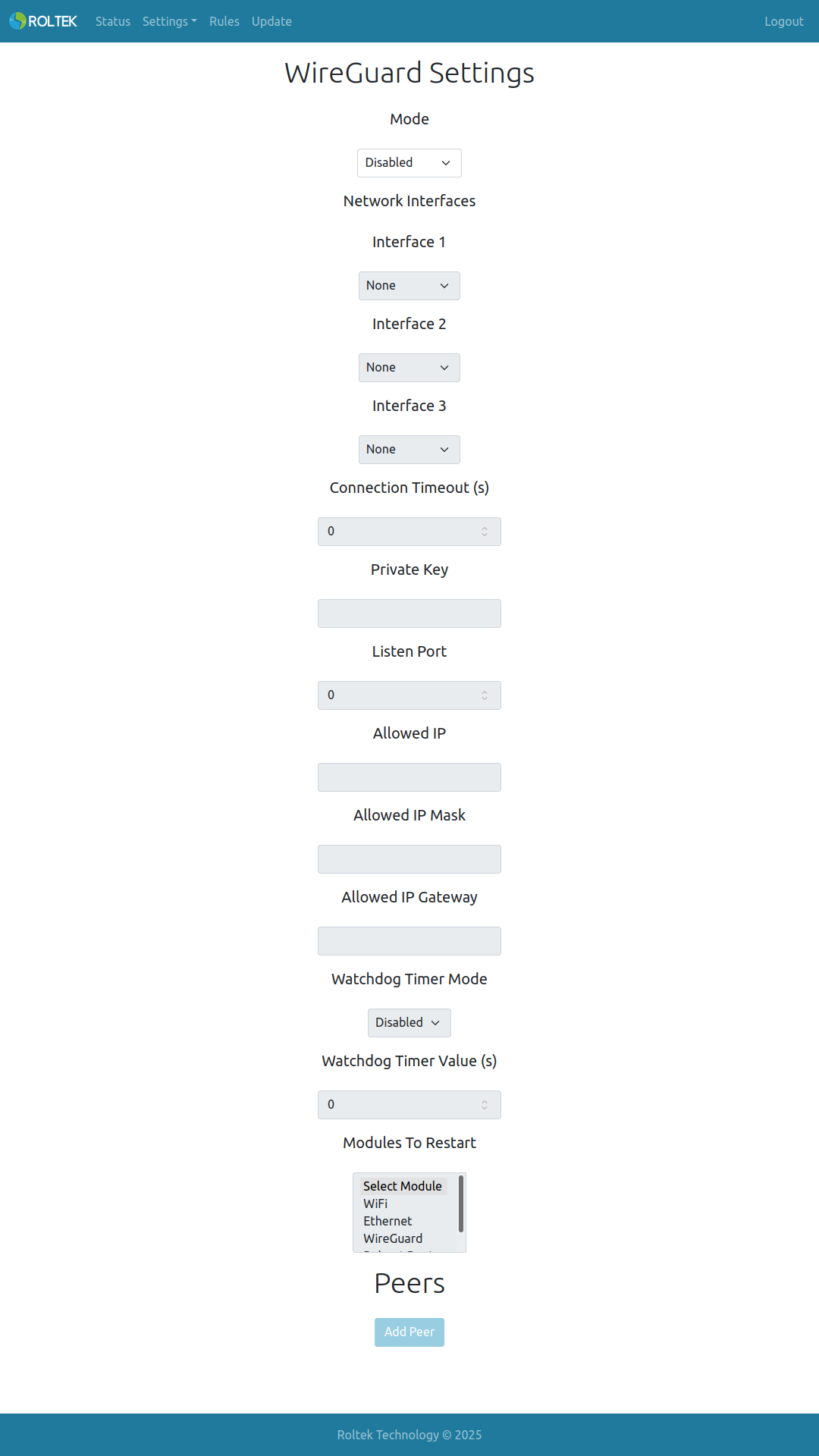
| Parameter | Description | Values |
|---|---|---|
| Mode | Enable or disable WireGuard. | - Enabled - Disabled |
| Network Interface | The network interface on which WireGuard will operate. | - WiFi AP - WiFi Station - Ethernet |
| Connection Timeout | The connection timeout value. If a connection cannot be established within this time, WireGuard will attempt to connect with the next network interface. | |
| Private Key | The device's WireGuard Private key. Maximum length is 48 characters. | |
| Listen Port | The listening port of the WireGuard interface. | |
| Allowed IP | The IP address of the device's WireGuard interface. | |
| Allowed IP Mask | The IP mask of the device's WireGuard interface. | |
| Allowed IP Gateway | The IP gateway of the device's WireGuard interface. | |
| Watchdog Timer Mode | Enable or disable the WireGuard watchdog timer. | - Enabled - Disabled |
| Watchdog Timer Value (s) | The value of the WireGuard watchdog timer. The unit is seconds, default value is 120. | 120 |
| Modules To Restart | Modules to be restarted when the WireGuard watchdog timer is triggered. Multiple selections are possible. | - WiFi - Ethernet - WireGuard - Reboot Device |