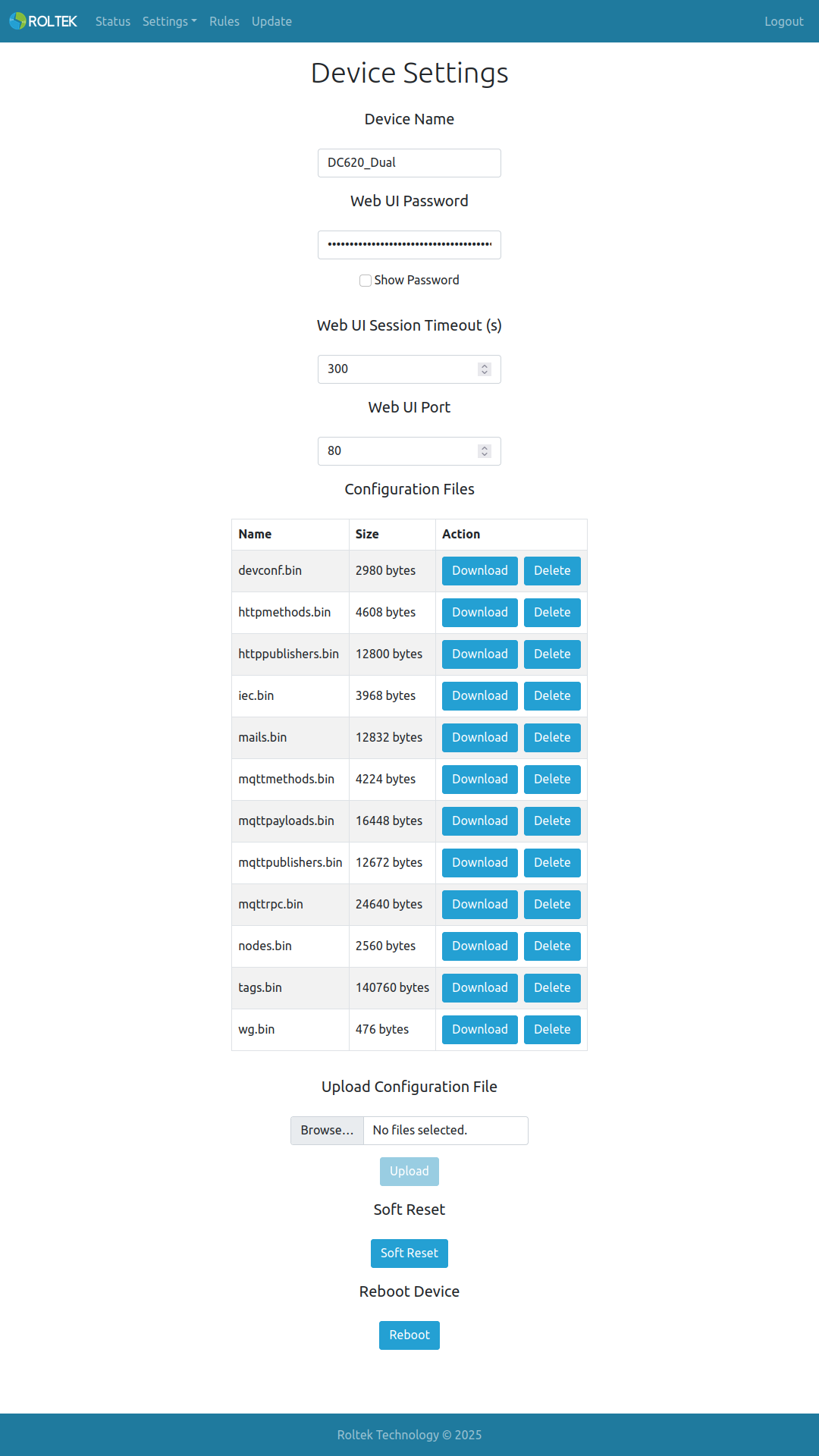
Device Settings
Follow the Settings and Device tabs. On this page, the user can change the Device Mode, Web Interface Password, download or upload the device's configuration and rules files.
- Device Name: The name of the device. Default value is DC620_Dual
- Web UI Password: The password for accessing the device's web interface. The default value is admin.
- Web UI Session Timeout: The timeout duration for the web interface. The unit is seconds. The default value is 300.
- Web UI Port: The HTTP port for the device's web interface. The default value is 80.
- Configuration Files: The configuration file can be downloaded with the Download button, and files can be deleted with Delete.
- Upload Configuration File: Configuration files to be uploaded are selected with Browse, then files are uploaded with Upload.
- Reboot Device: The device can be restarted by clicking the Reboot button.