Mail Settings
Follow the Settings and Mail tabs. On this page, the user can configure Mail settings.
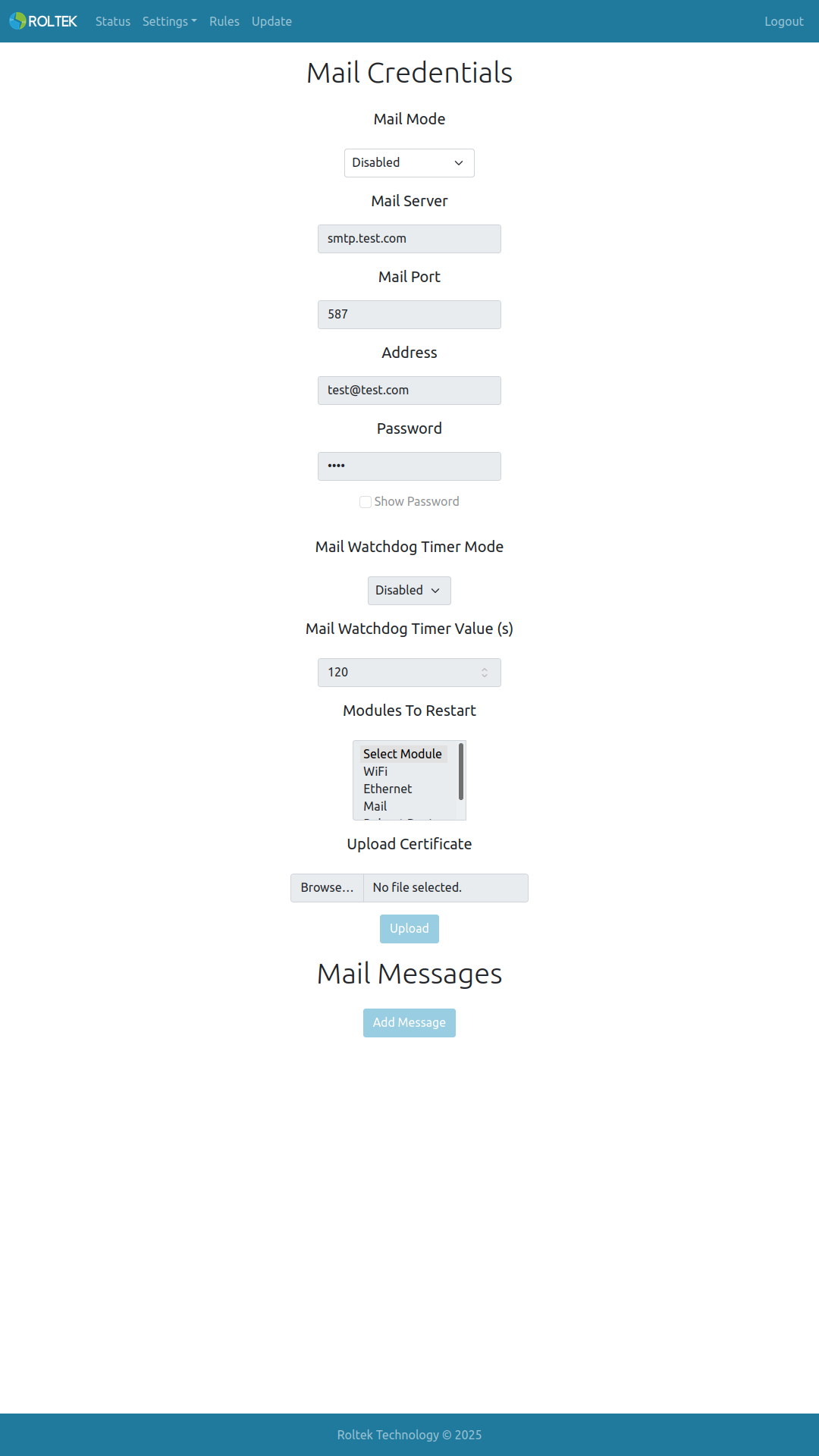
| Parameter | Description | Values |
|---|---|---|
| Mail Mode | Enable or disable the mail client. | Enabled Disabled |
| Mail Server | The mail server to log in to. | |
| Mail Port | The port number of the mail server. | |
| Address | The email address to log in to. | |
| Password | The password for the email address. | |
| Mail Watchdog Timer Mode | Enable or disable the mail watchdog timer. It triggers if mail cannot be sent within the specified time. | Enabled Disabled |
| Mail Watchdog Timer Value | Mail watchdog timer duration (seconds). | 120 |
| Modules To Restart | Modules to be restarted when the watchdog is triggered. Multiple selections are allowed. | WiFi Ethernet Reboot Device |
| Upload Certificate | Uploads the security certificate file for the mail server. The certificate name must be mail.pem. | |
| Mail Messages | Users can add mail messages with Add Message. | Name: Message name (max. 15 characters) Address: Recipient email address (max. 63 characters) Subject: Mail subject (max. 63 characters) Message: Mail content (max. 127 characters) |
Messages can be saved by clicking the Save button. The templates specified in the Payload section can be used.