Software Update
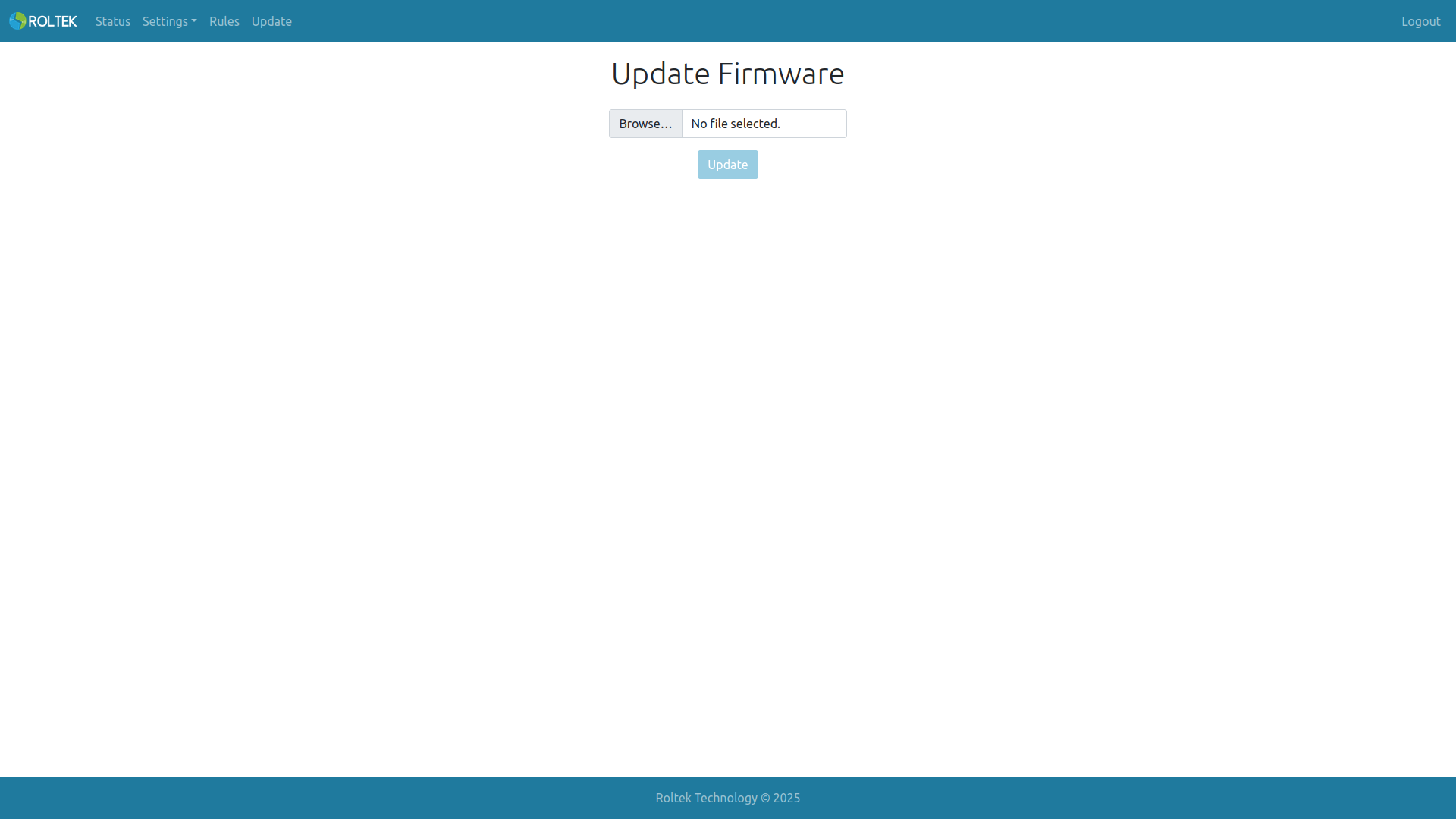
This page allows the device's software to be updated. Software updates can be provided by Roltek Technology.
To update the software:
- The update file is downloaded.
- Click the Select File button.
- From the opened window, select the downloaded file with the .bin extension.
- Press the Update button.
The device will restart after completing the update.