Ping
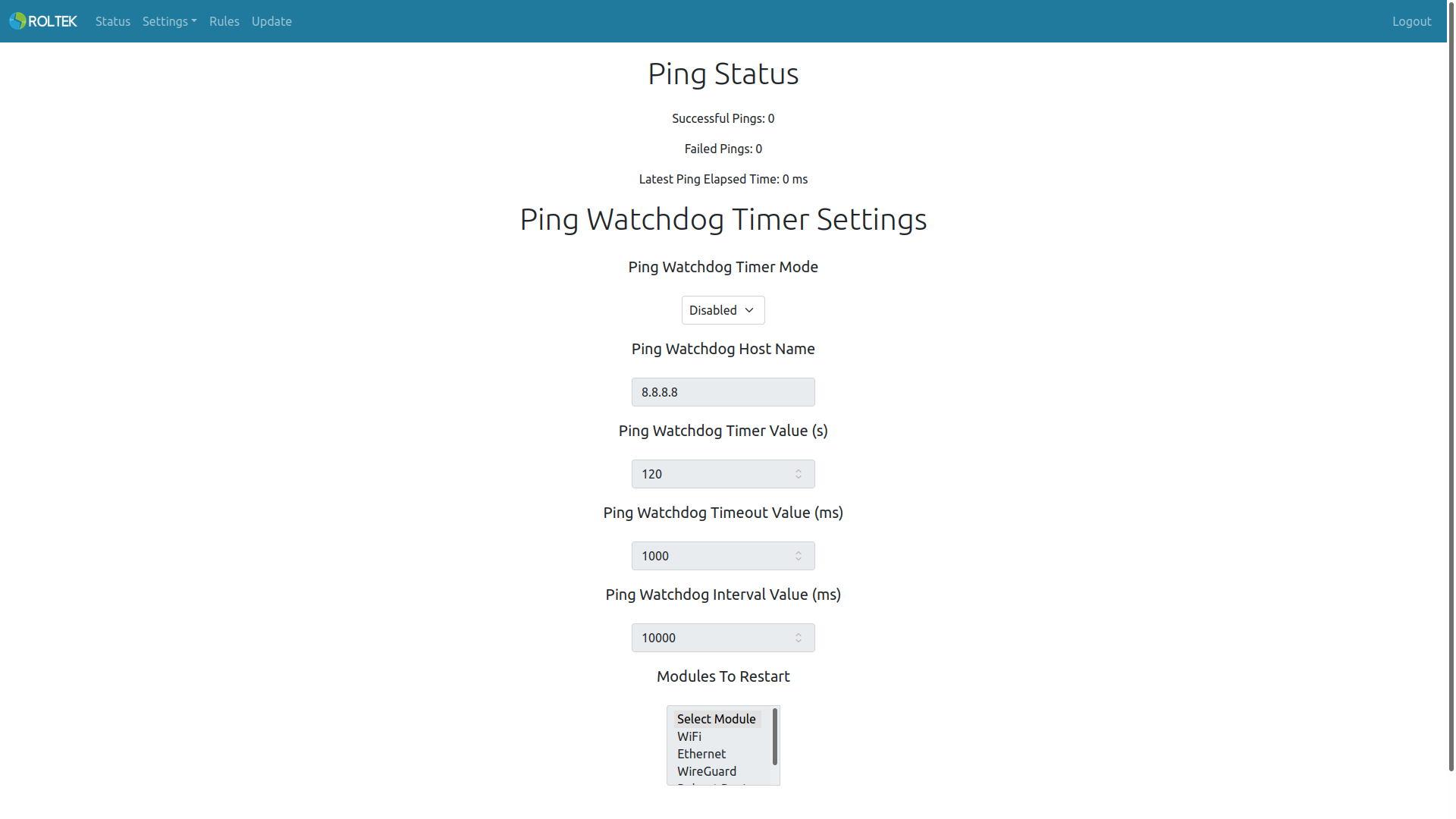
Settings, Ping tabs. This page allows you to configure the ping watchdog timer settings. Successful Pings indicates the number of successful pings, Failed Pings indicates the number of failed pings, and Latest Ping Elapsed Time indicates the time elapsed since the last ping.
| Parameter | Description | Values |
|---|---|---|
| Ping Watchdog Timer Mode | Enables or disables the ping watchdog timer. This watchdog timer is triggered if no ping response is received within the specified time. | Enabled Disabled |
| Ping Watchdog Host Name | The domain name or IP address to which the ping will be sent. | |
| Ping Watchdog Timer Value | The value of the ping watchdog timer. The unit is seconds. | 120 |
| Ping Watchdog Timeout Value | The ping timeout value. The unit is milliseconds. | 1000 |
| Ping Watchdog Interval Value | The ping interval value. The unit is milliseconds. | 10000 |
| Modules To Restart | Modules that will be restarted when the ping watchdog timer is triggered. Multiple selections can be made. | - WiFi - Ethernet - Wireguard - Reboot Device |