Input / Output Settings
Settings, IO tabs. On this page, the user can configure input and output settings.
Digital Inputs
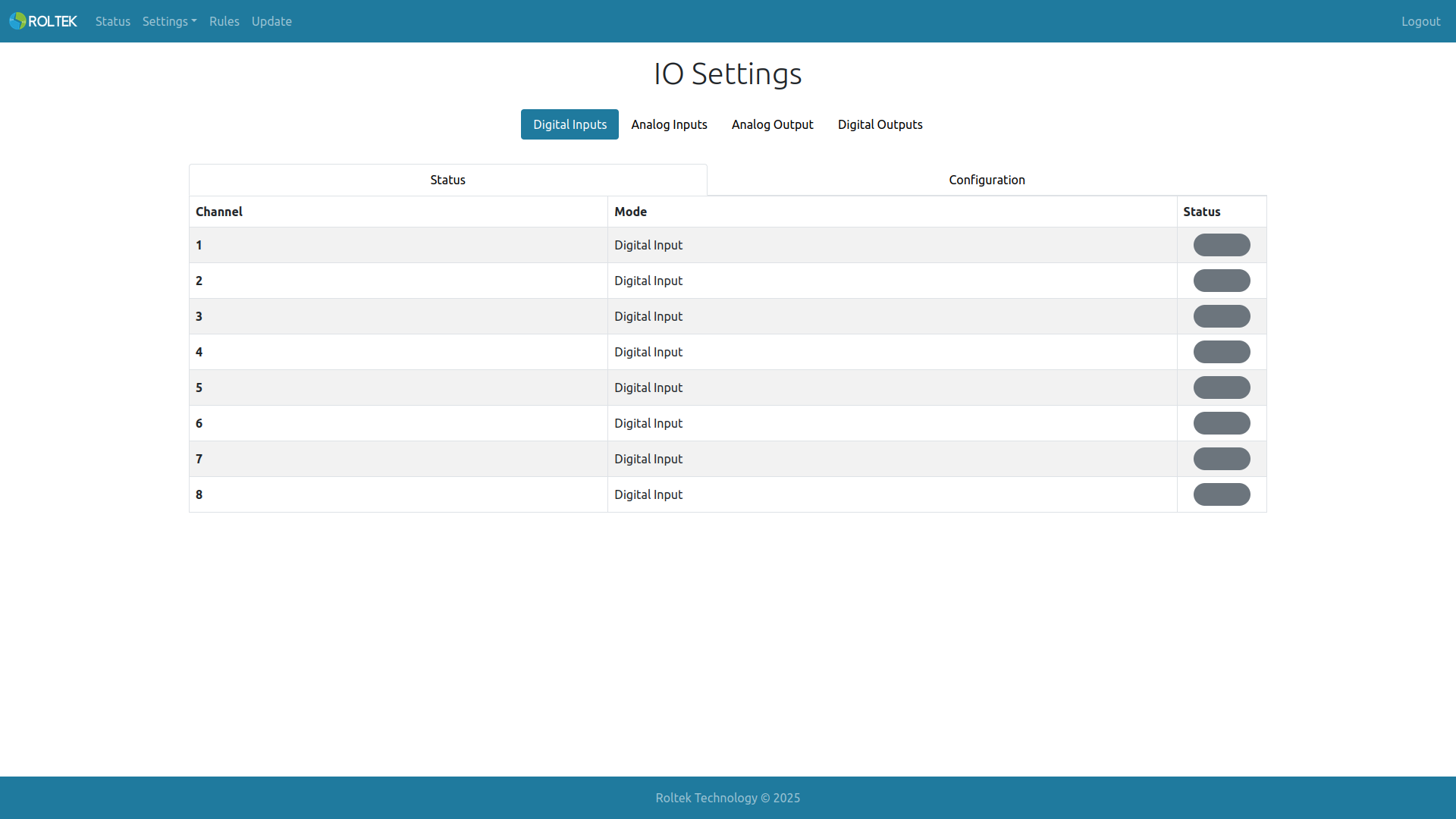
From the Digital Inputs tab, the user can observe the status of digital inputs from the
- Status tab or configure the inputs from the
- Configuration tab.
If the input level is high or low, the corresponding section in the Status tab will be gray or green according to the configuration.
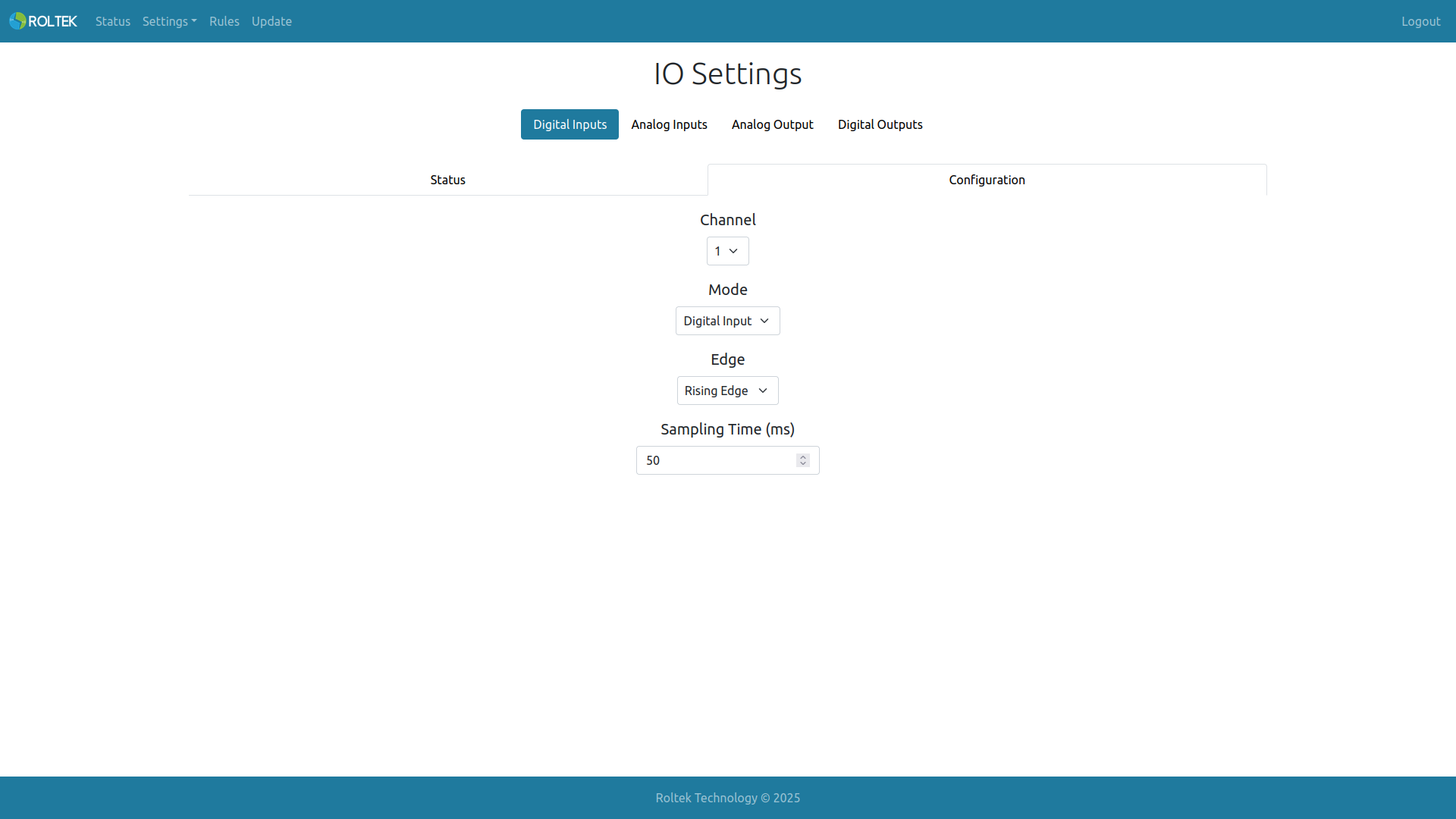
From the Configuration tab, the user can select which input to configure from Channel.
- If the Mode parameter of the digital input is selected as Digital Input
- The operation of the input can be determined by setting the Edge value. If Falling Edge is selected, the input value is high on the falling edge and low on the rising edge. If Rising Edge is selected, the input value is low on the falling edge and high on the rising edge.
- The Sampling Time value for how the digital input operates can be set. If the value of the input signal does not change during this Sampling Time, this value is considered the valid input value.
Digital Outputs
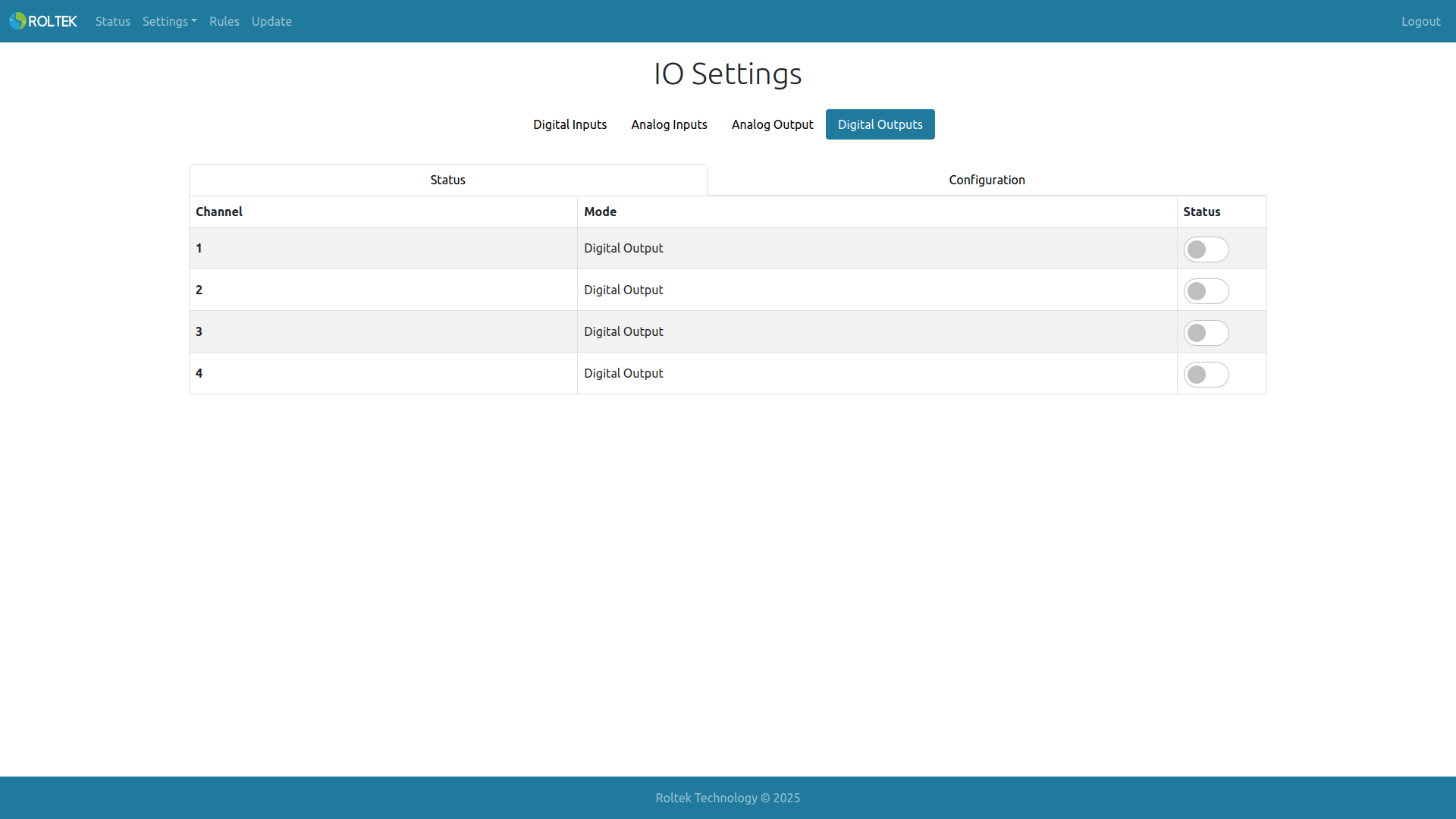
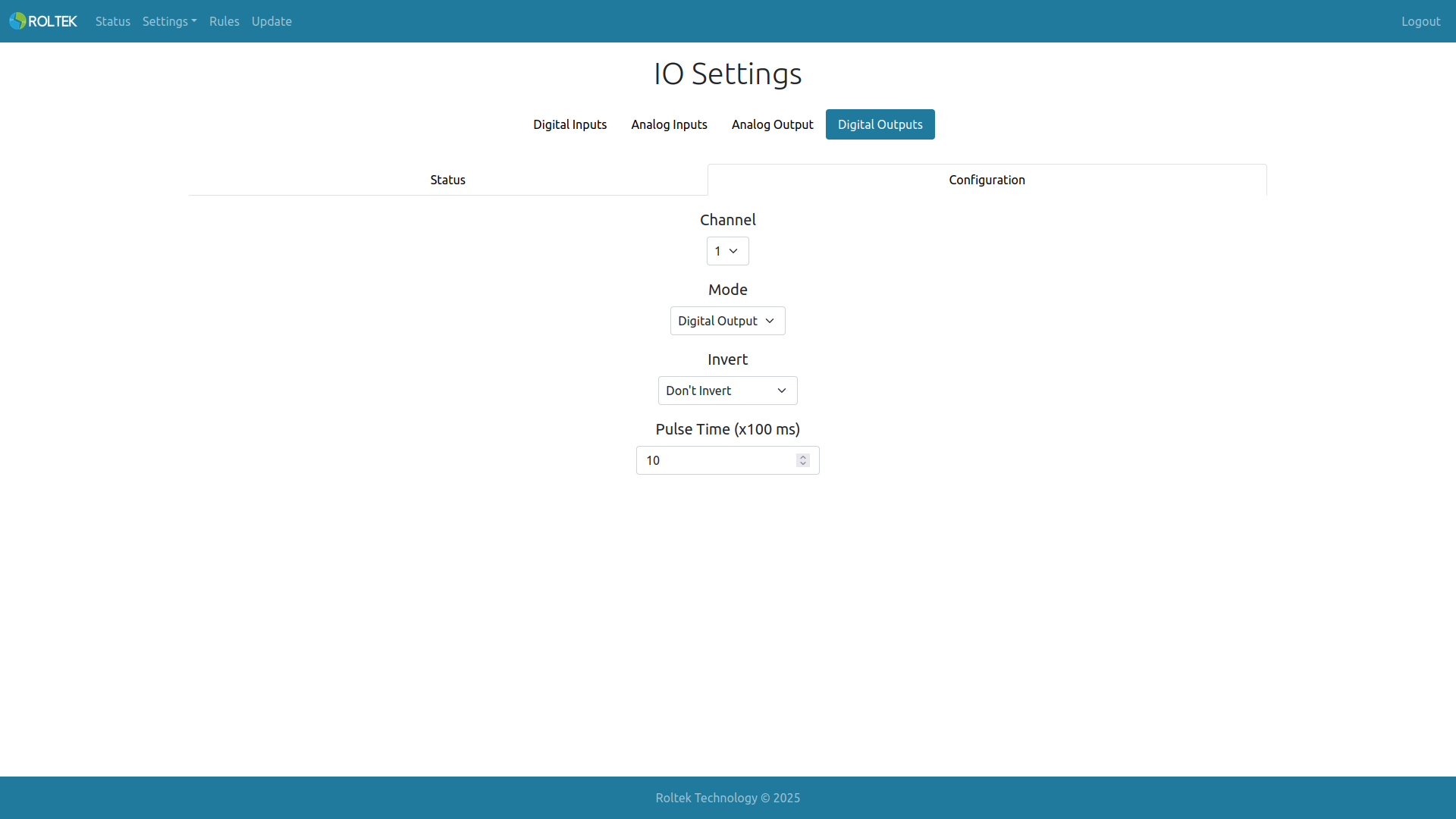
In the Digital Output tab, the user can change or observe the status of digital outputs from the
- Status tab or configure the outputs from the
- Configuration tab.
- From the Configuration tab, the user can select which output to configure from Channel.
- If Invert is selected as Don't Invert, the output value is high if the corresponding register (Out*Lock or Out*) value is high. This situation is also valid in reverse.
- If Invert is selected as Invert, the output value is high if the corresponding register (Out*Lock or Out*) value is low. This situation is also valid in reverse.
- Pulse Time: The Timeout value required to return the output value to its previous value (according to the Out* register value).
Analog Inputs
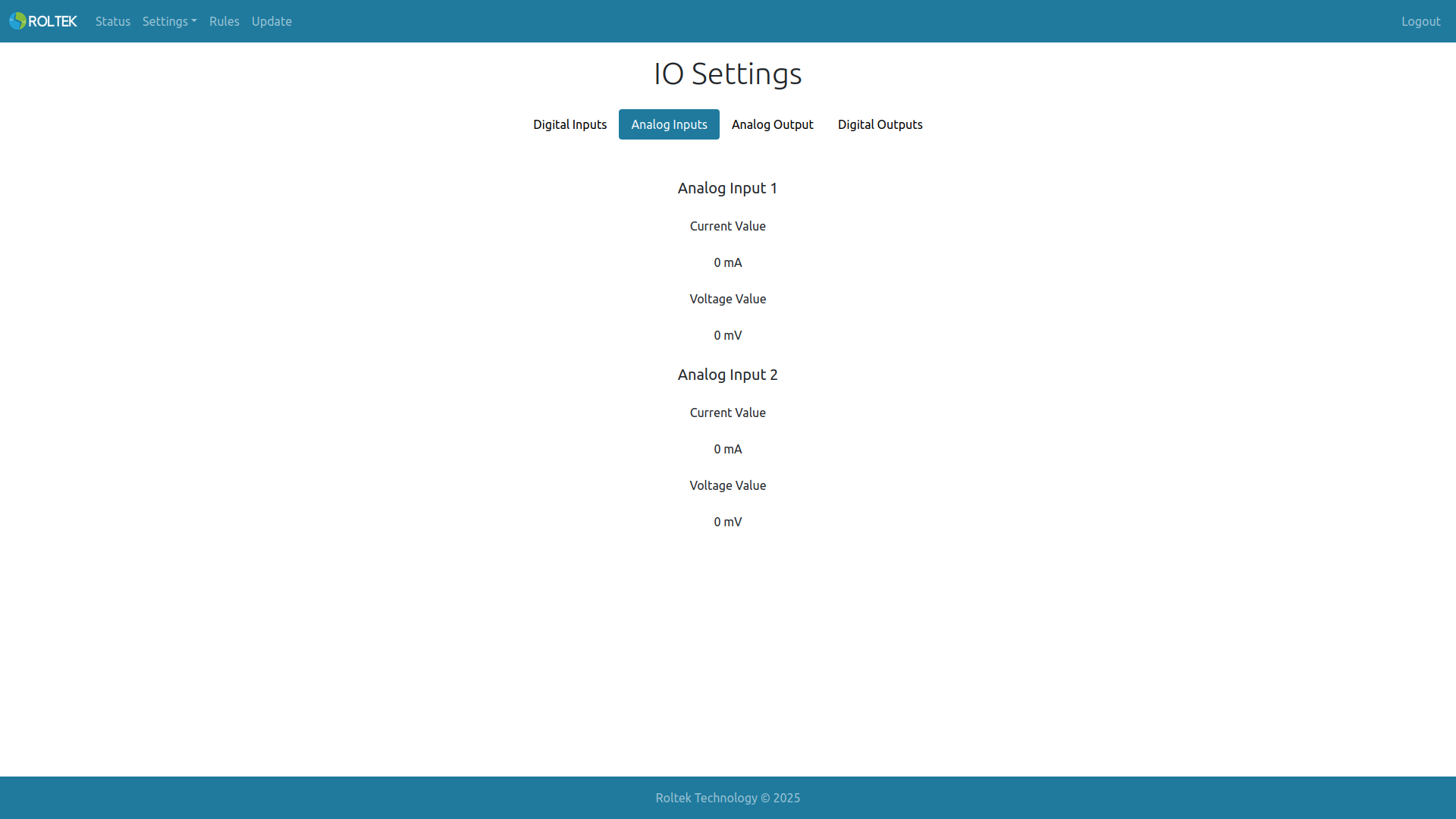
From the Analog Inputs tab, the user can observe the status of analog inputs.
Analog Outputs
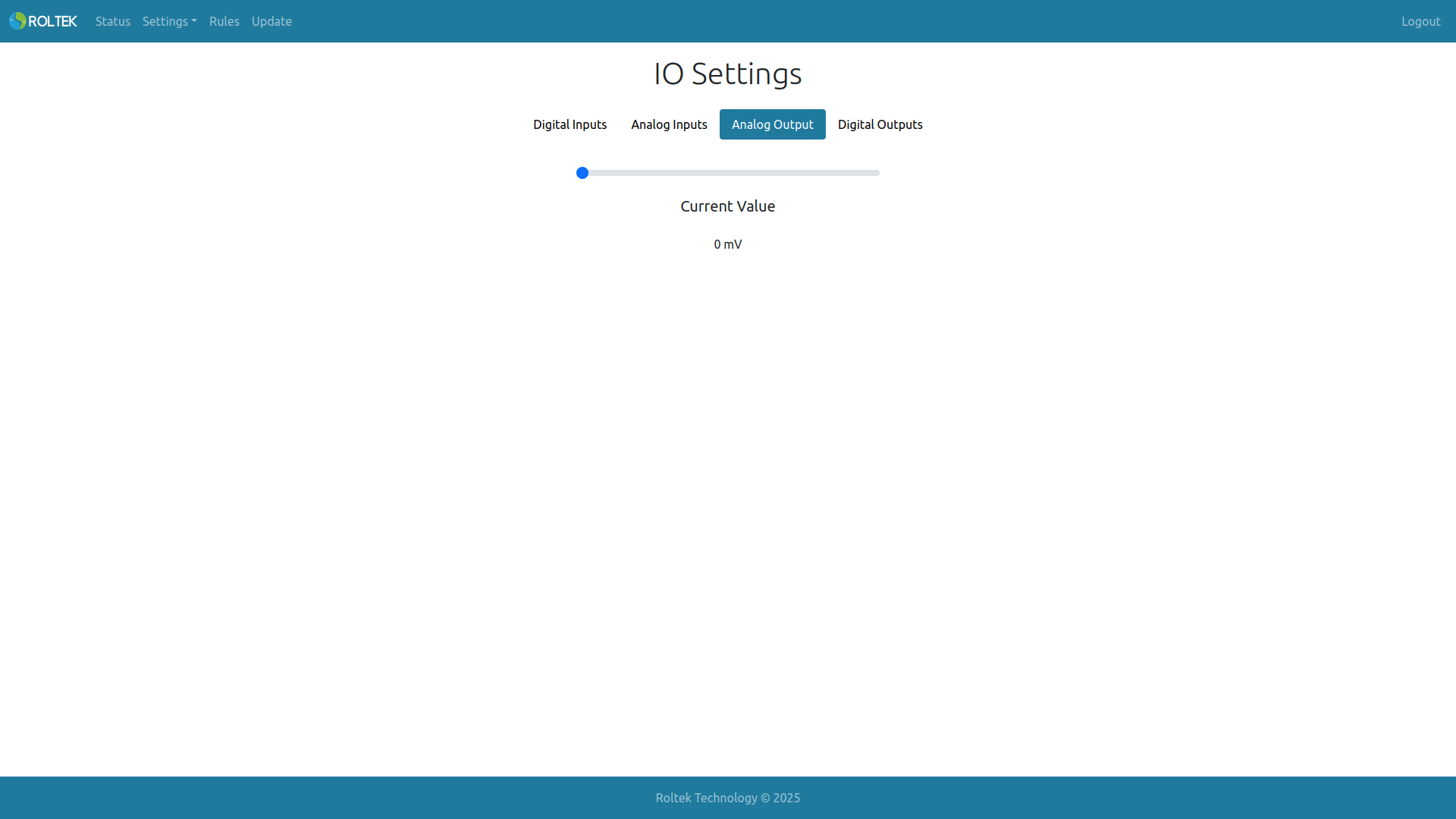
From the Analog Output tab, the user can adjust the value of analog outputs by changing it through the slider and observe it.