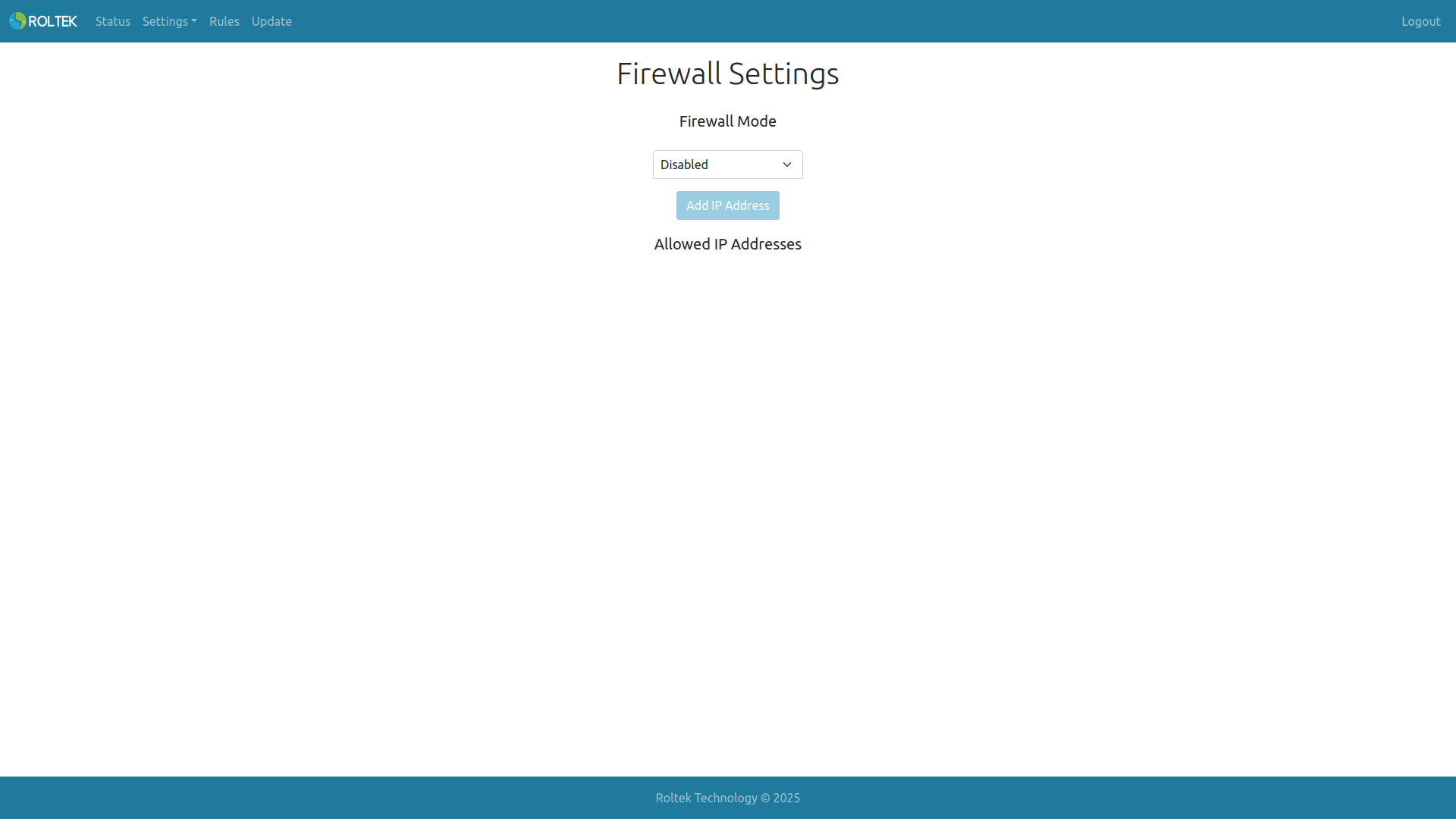
Firewall
Settings, Firewall tabs. Firewall settings can be configured on this page.
-
Firewall Mode: Enabling or disabling the firewall. If the firewall is disabled, all requests to the Modbus TCP to RTU gateway are accepted. If the firewall is enabled, only requests from addresses in the Allowed IP Address list are accepted.
-
By clicking the Add IP Address button, an IP address can be added. IP addresses can be edited or deleted from the Allowed IP Addresses list. Up to 5 entries can be added to the Allowed IP Addresses.