Ethernet Settings
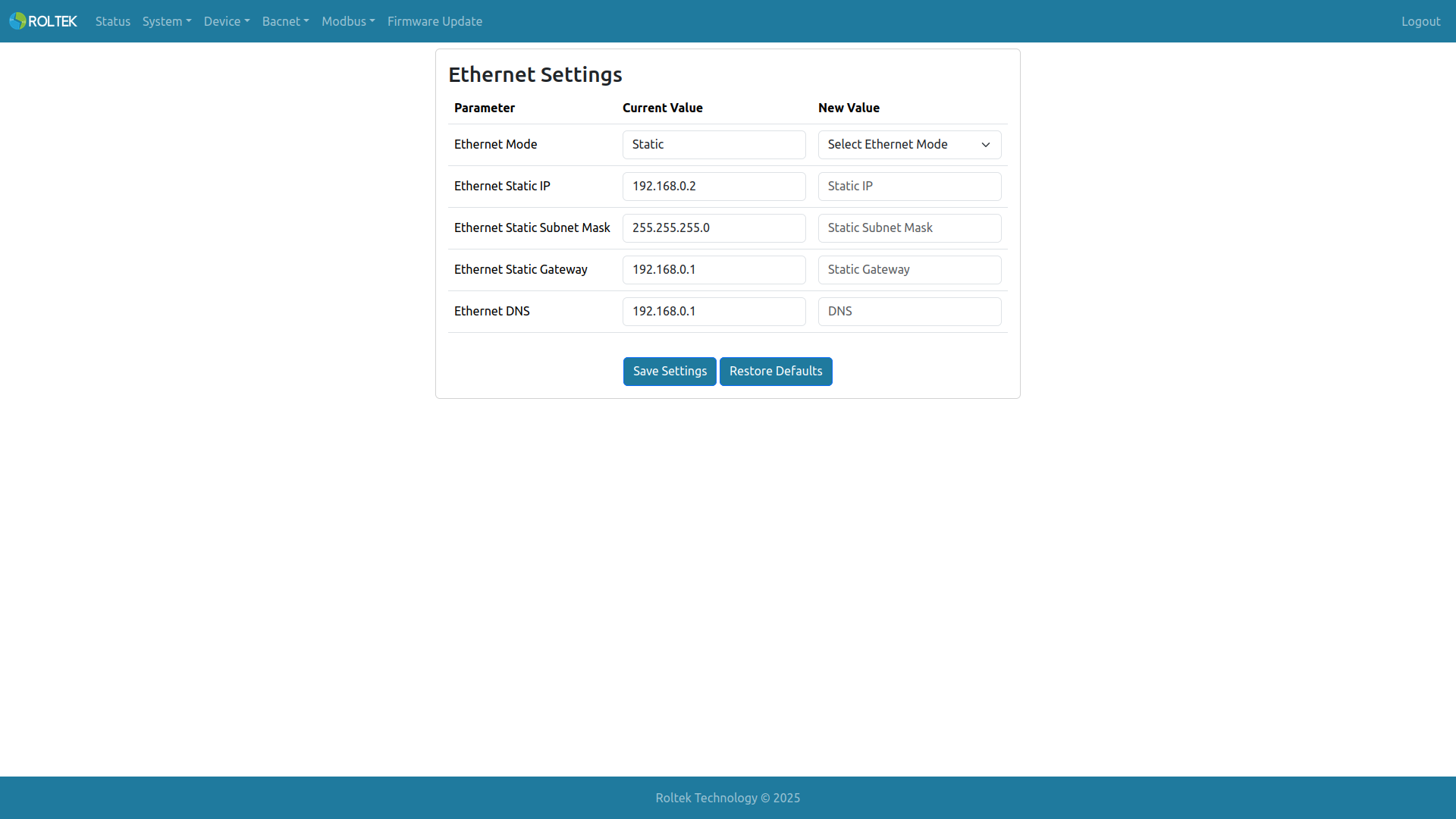
The DC620 DUAL BACnet IoT Gateway has 1 Ethernet port. Ethernet configuration is done from this menu. Current Value shows the current value of the parameter; a new value can be entered in the New Value section. After new settings are made, they can be saved with Save Settings. Restore Defaults resets the Ethernet settings to default. Changing the settings will cause the logged-in user's connection to be interrupted.
- Ethernet Mode: Static, DHCP
- Ethernet Static IP: XXX.XXX.XXX.XXX (e.g., 192.168.0.2)
- Ethernet Static Subnet Mask: XXX.XXX.XXX.XXX (e.g., 255.255.255.0)
- Ethernet Static Gateway: XXX.XXX.XXX.XXX (e.g., 192.168.0.1)
- Ethernet DNS: XXX.XXX.XXX.XXX (e.g., 192.168.0.1)
If DHCP is selected, the Ethernet Static IP, Ethernet Static Subnet Mask, and Ethernet Static Gateway parameters are displayed in gray, and the user cannot enter values in these fields.
Warning: The Ethernet module on the device does not support AutoMDIX. Therefore, a straight-through cable should be used to connect to other switches or routers; a crossover Ethernet cable should be used to connect to devices such as servers, workstations, or other Ethernet modules that do not support AutoMDIX. Both types of cables can be used when connecting to other devices that support AutoMDIX.