Web Interface
How to Connect to the Device
You can use Ethernet or Wi-Fi to log into the device's Web UI.
To log in via Ethernet:
The default device IP address is 192.168.0.2. The default Ethernet configuration of the device is as follows:
| IP Mode | Static IP Address |
| Default IP | 192.168.0.2 |
| Subnet Mask | 255.255.255.0 |
| Default Gateway | 192.168.0.1 |
To log in via Wi-Fi:
The device's SSID is dualbacrtrXXXXXX, and the password is passwordXXXXXX. XXXXXX is a unique HEX number for each device. The default device IP address is 192.168.1.1. The default Wi-Fi configuration of the device is as follows:
| Wi-Fi Mode | Access Point |
| IP Mode | Static IP Address |
| Default IP | 192.168.1.1 |
| Subnet Mask | 255.255.255.0 |
| Default Gateway | 192.168.1.1 |
After selecting the connection method, the IP address must be entered into the search bar of the preferred Web Browser. The default login credentials for the Web UI are as follows:
| Username | admin |
| Password | admin |
Important Note: Only one client can connect to the device's AP, and only one client can log into the Web UI.
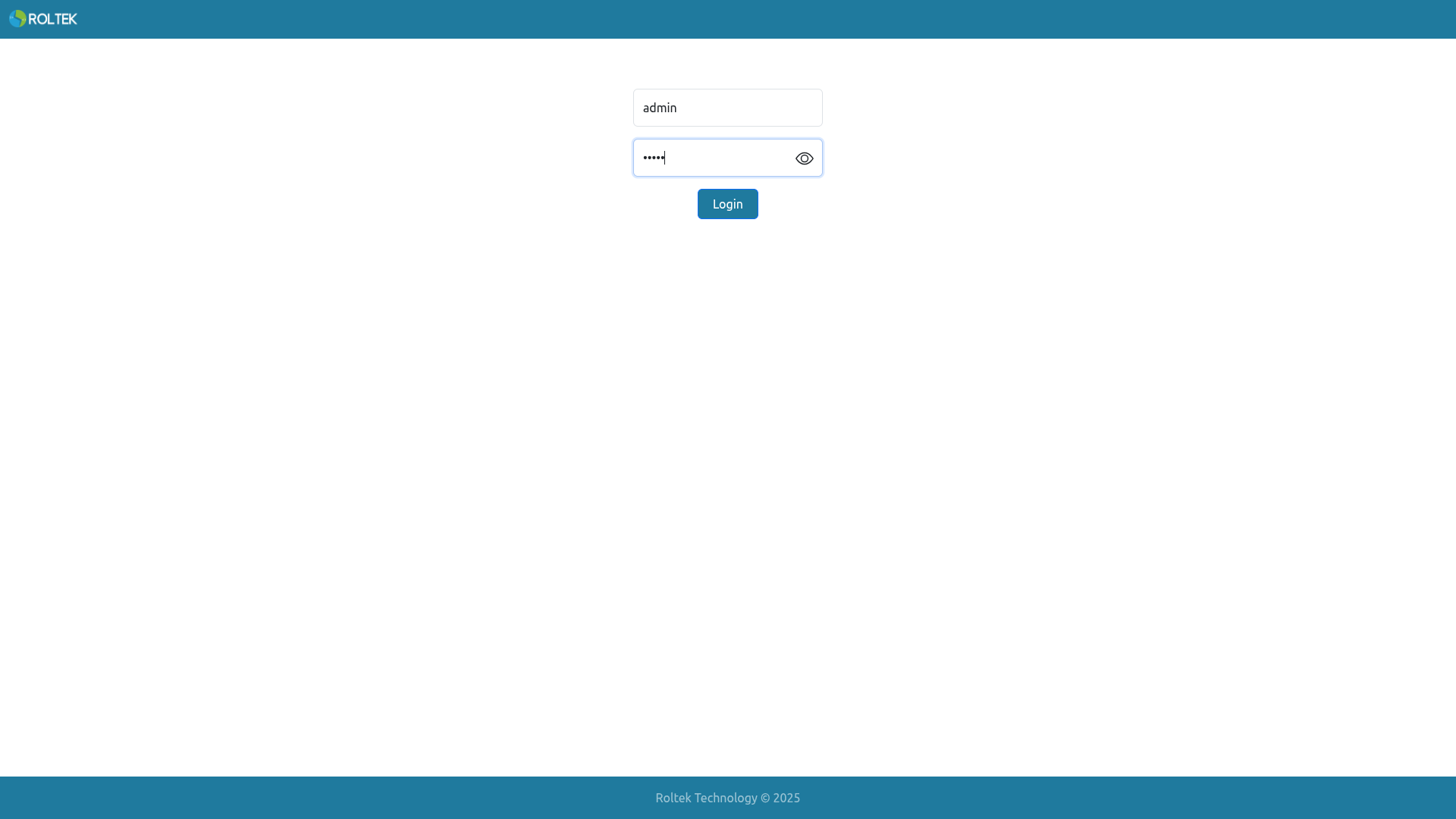
If the login is successful, the Status page should open.
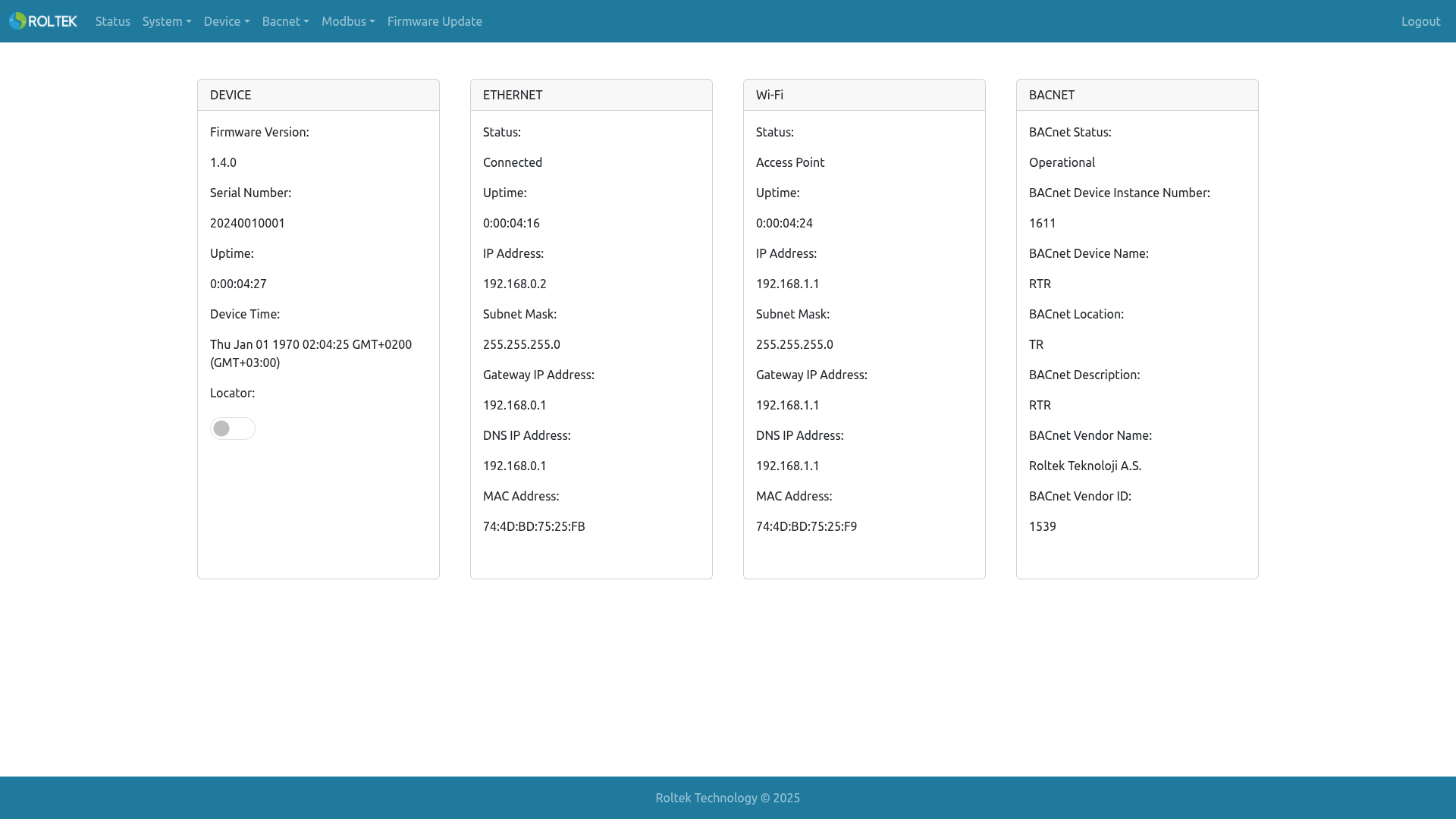
On the Status screen, Device, Ethernet, Wi-Fi, and BACnet information can be viewed. In the DEVICE section, Locator can be used to determine the location of the device. When Locator is activated, the LEDs blink, and the buzzer on the board gives an audible alert.
The device status can be viewed on the web interface, and configurations can be made from the menus:
- Status
- System
- System
- Restore & Backup
- Reboot Scheduler
- Date & Time
- System Monitor
- Device
- RS-485 Settings
- Ethernet Settings
- Wi-Fi Settings
- I/O
- Bacnet
- BACnet Device Explorer
- BACnet Network Explorer
- BACnet Device Settings
- BACnet MSTP Settings
- BACnet IP Settings
- BBMD
- BACnet Virtual Devices
- COV
- BACnet Statistics
- Modbus
- Modbus Settings
- Modbus Nodes
- Modbus Tags
- Firmware Update