Sensor Operating Status LED
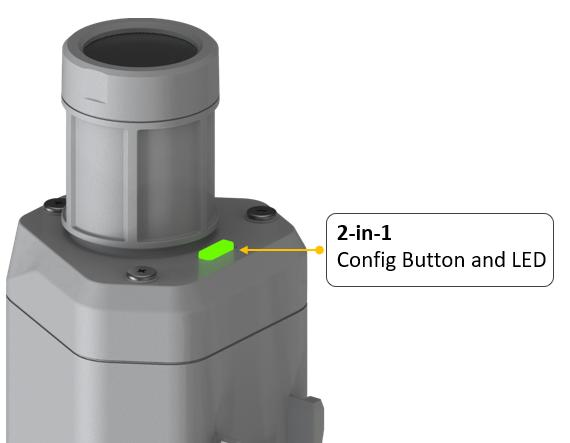
The LED is green and red and indicates the operating status of the device; it is described in the table below:
| Operations | Description | Green LED Status |
|---|---|---|
| Press and hold for 3 seconds on initial startup | Power on and enable Bluetooth | Green LED blinks at a frequency of 1 second, waiting for Bluetooth connection. If Bluetooth does not connect within 1 minute, the device will turn off again. |
| Press once | Restart the device and join the LoRa network | Green LED stays on for 5 seconds for startup.
Waiting to join the LoRa network: red breathing light blinks. Successful joining of the LoRa network: green LED blinks quickly for 2 seconds. Failed to join the LoRa network: red LED stops suddenly. |
| Press and hold for 3 seconds | Re-enable Bluetooth | Waiting for Bluetooth connection: green LED blinks at a frequency of 1 second.
After a successful Bluetooth connection, it enters configuration mode: green LED blinks at 2-second intervals. If Bluetooth does not connect within 1 minute, the device restarts and joins the LoRa network. |
| Press and hold for 9 seconds | Power off | Starts blinking at 1-second intervals from the 3rd second, continues until the light stays solid. The light turns off when the button is released. |
Attention:
- After turning off, you need to reconfigure the frequency band. It is recommended to power off when not in operation.
- If the frequency is not configured after powering on, the device will turn off again.