WWAN (Station)
To configure the Station WAN settings:
- Follow the menus for Network
- WWAN
After making your settings, save them with the Save and Apply buttons.
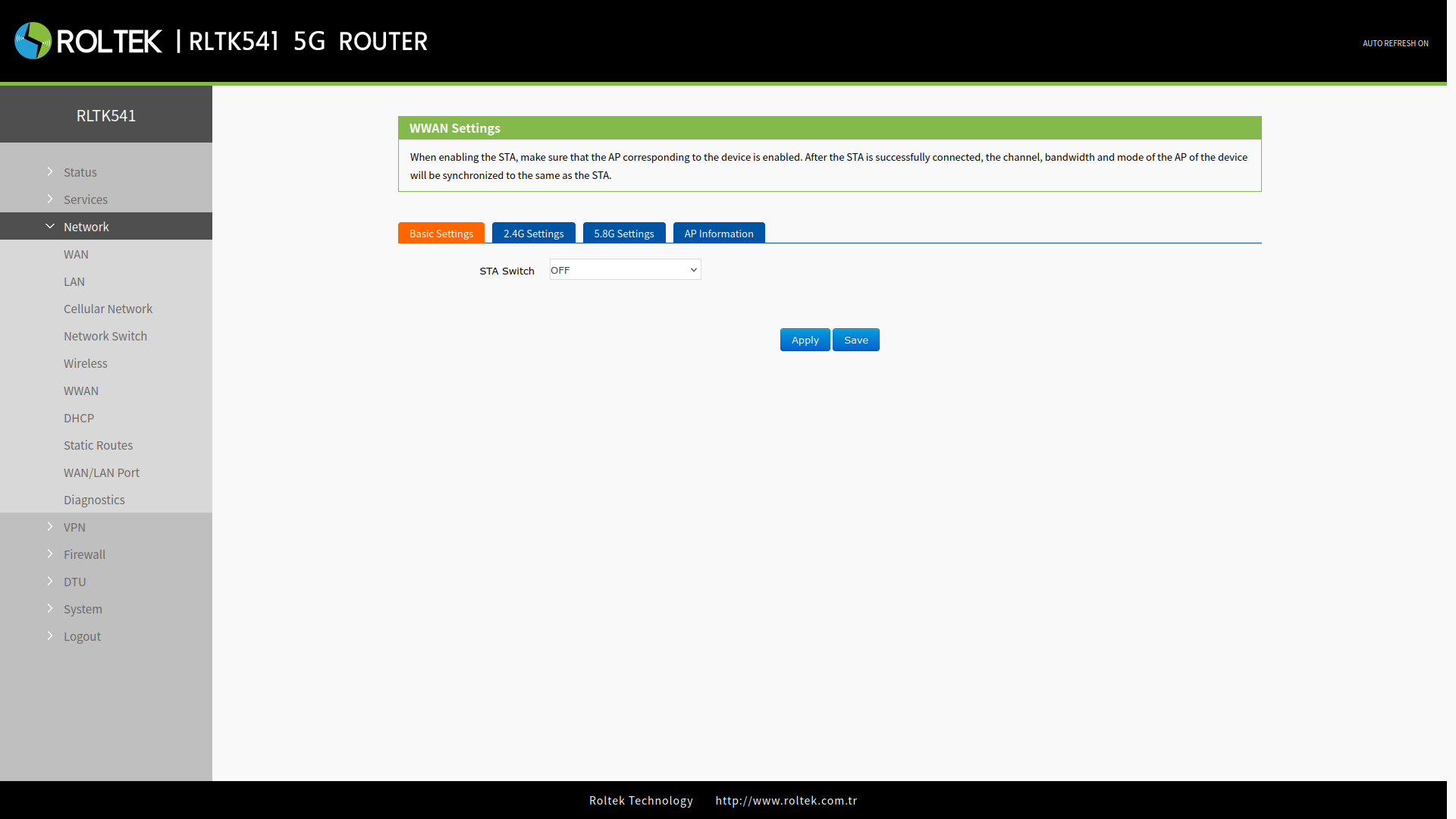
Basic Settings
In the Basic Settings tab, users can enable the station function. Users can choose either 2.4G Wi-Fi or 5.8G Wi-Fi. The default setting is OFF.
- STA Switch: STA_2.4G or STA_5.8G can be selected.
2.4G and 5.8G Settings
Depending on the selected Wi-Fi type, settings can be made from the 2.4G Settings or 5.8G Settings tabs.
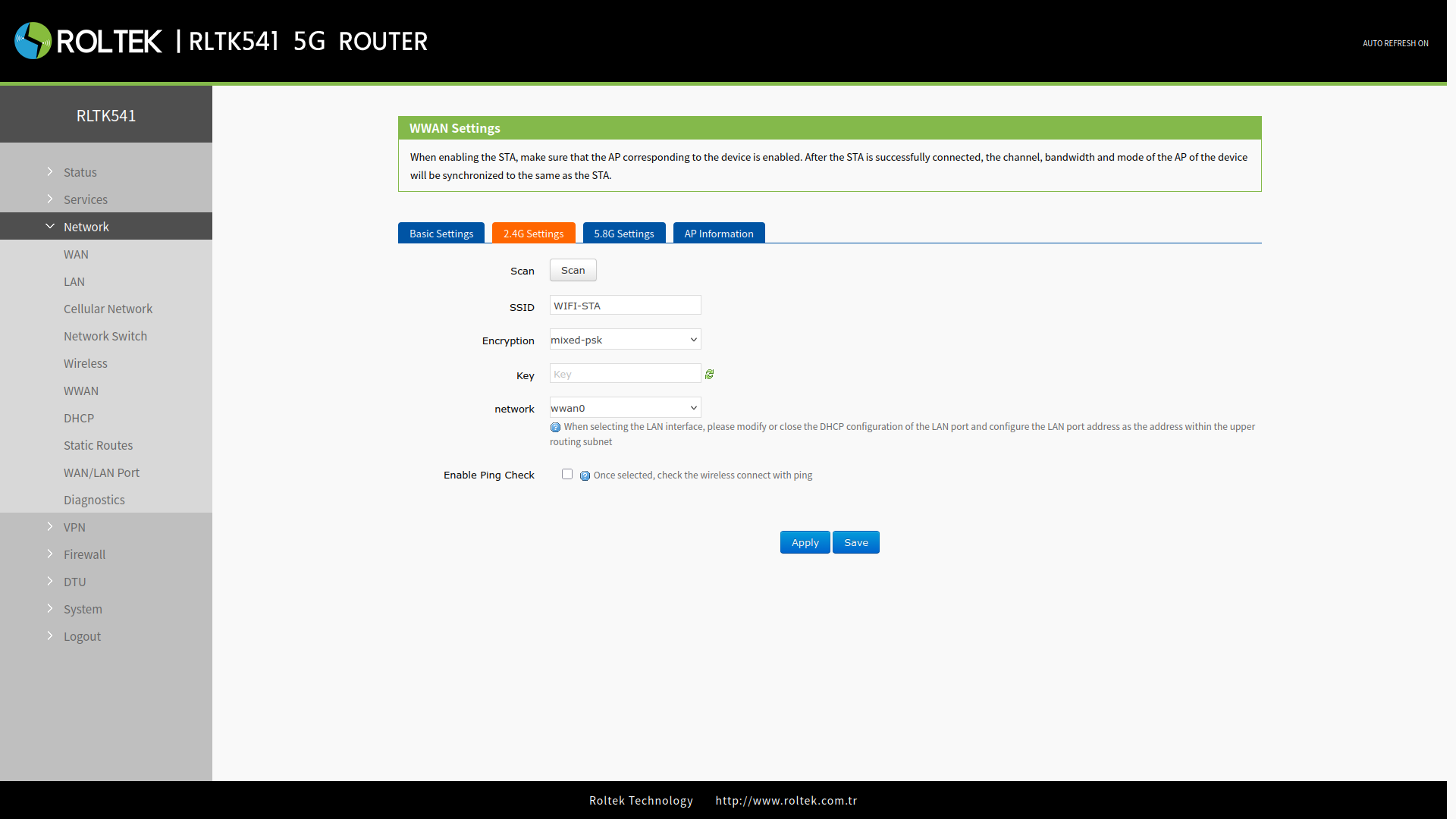
- Scan: Wi-Fi networks can be searched using the Scan button.
- SSID: Selected from the existing SSID networks found.
- Encryption: Security mode is selected.
- Password: Wi-Fi password.
- Network: Network mode is selected.
- wwan0: Relay mode.
- lan: Bridge mode. DHCP service must be turned off and the LAN IP must be within the same segment as the connected router.
- Enable Ping Check: If enabled, the wireless connection is checked via ping.
- Reference address: If Enable Ping Check is enabled, the address to ping is selected. A different address can be chosen with the Gateway or customize option.
- Ping Addr: If Reference address is selected as customize, the address to ping is entered here.
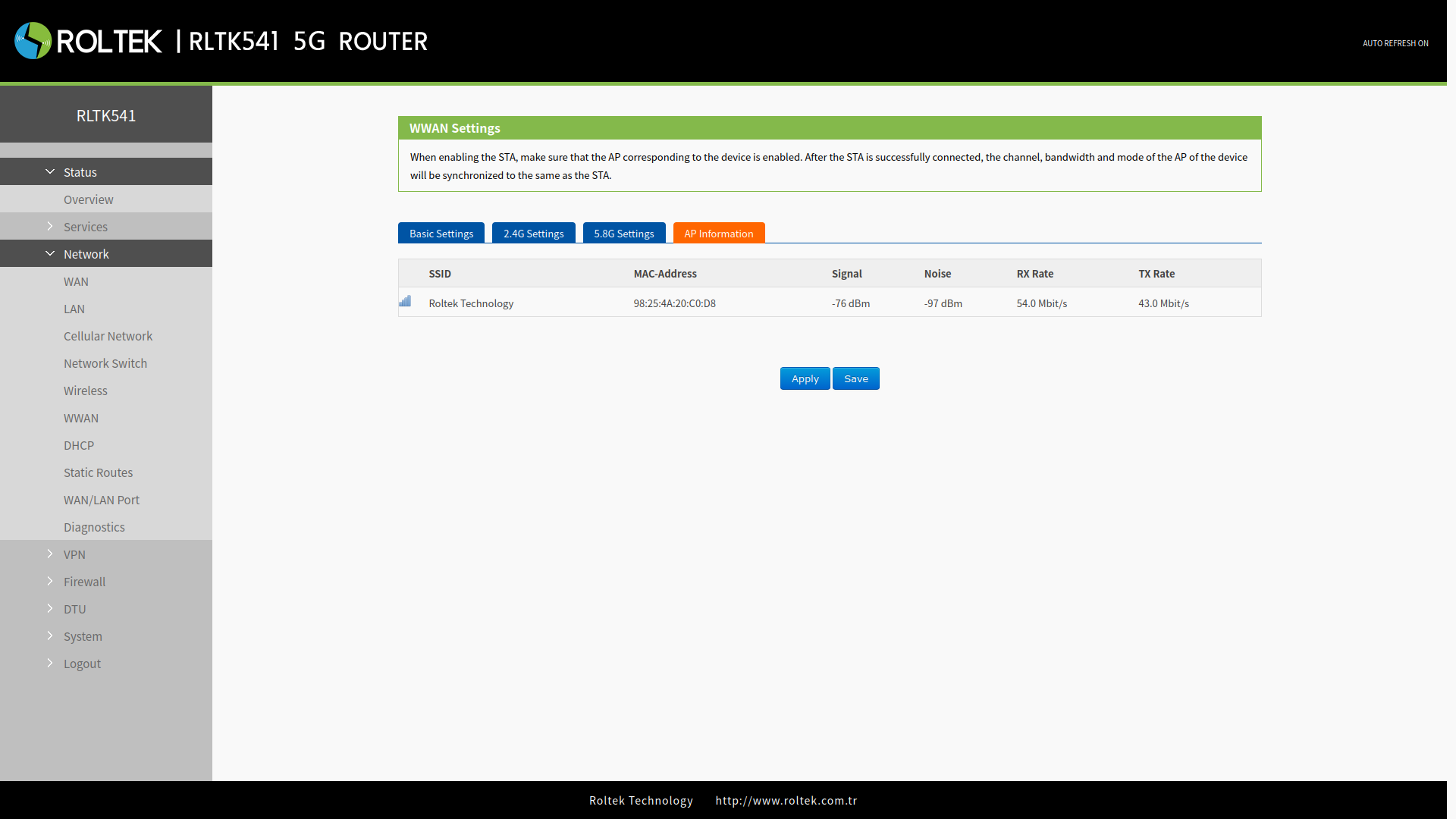
AP Information
When the RLTK541 establishes a Wi-Fi connection, the access point information of the connected router can be viewed on this page.