Static Routing
To configure static routing settings on the RLTK541:
- Follow the menus
- Network
- Static Routes
Adding Static Routing
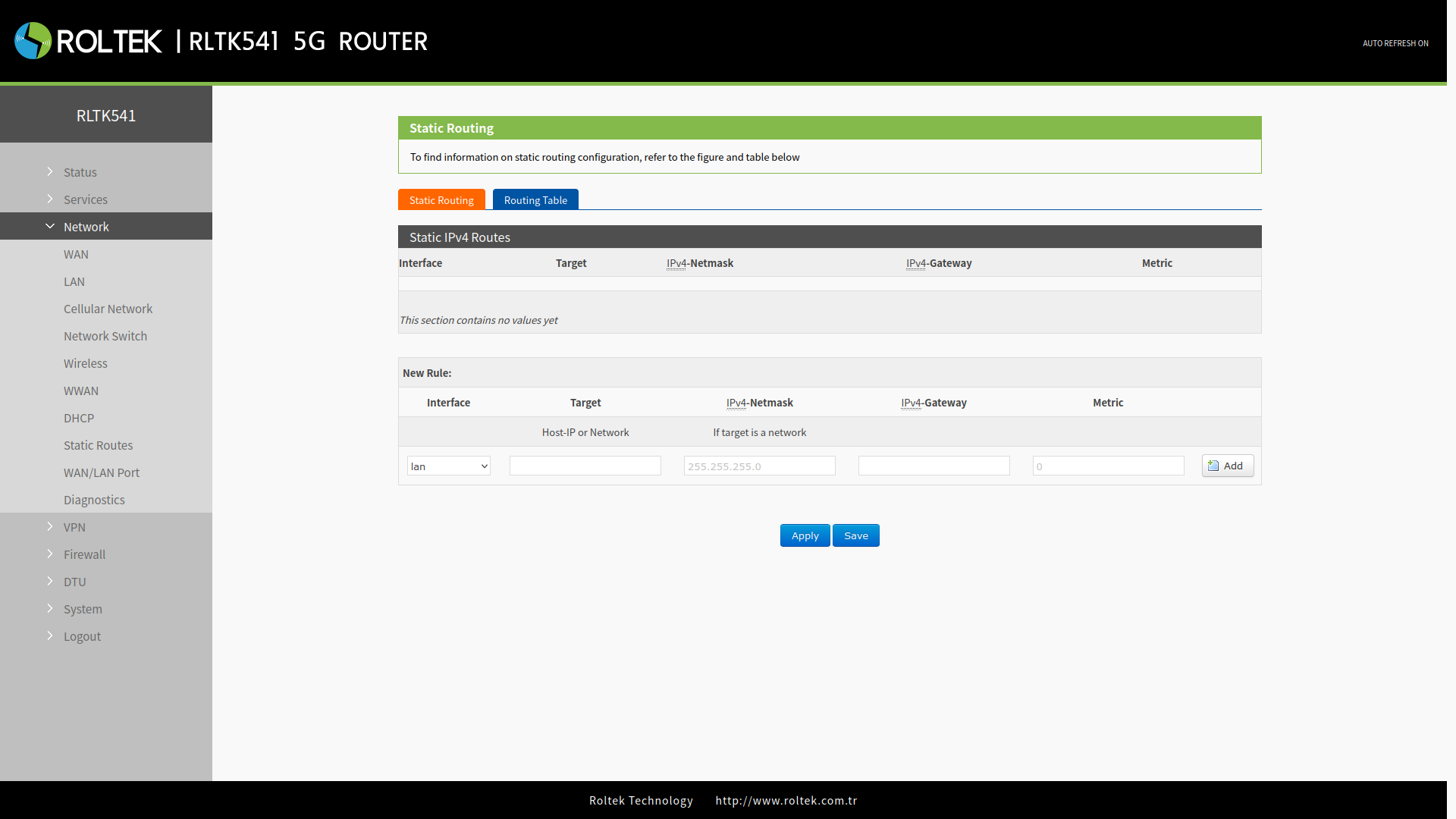
Static routing can be added in the Static Routing tab. The RLTK541 supports up to 100 static routes. Add the rule with the Add button, then save your settings with the Save and Apply buttons.
| Parameter | Description | Default Value |
|---|---|---|
| Interface | lan, wan_4G, wan_wired, vpn | lan |
| Target | Target IP address or IP range | Null |
| IPv4 Netmask | Subnet mask of the target network | Null |
| IPv4 Gateway | IP address to route to | Null |
| Metric | Used to make routing decisions | Null |
Routing Table
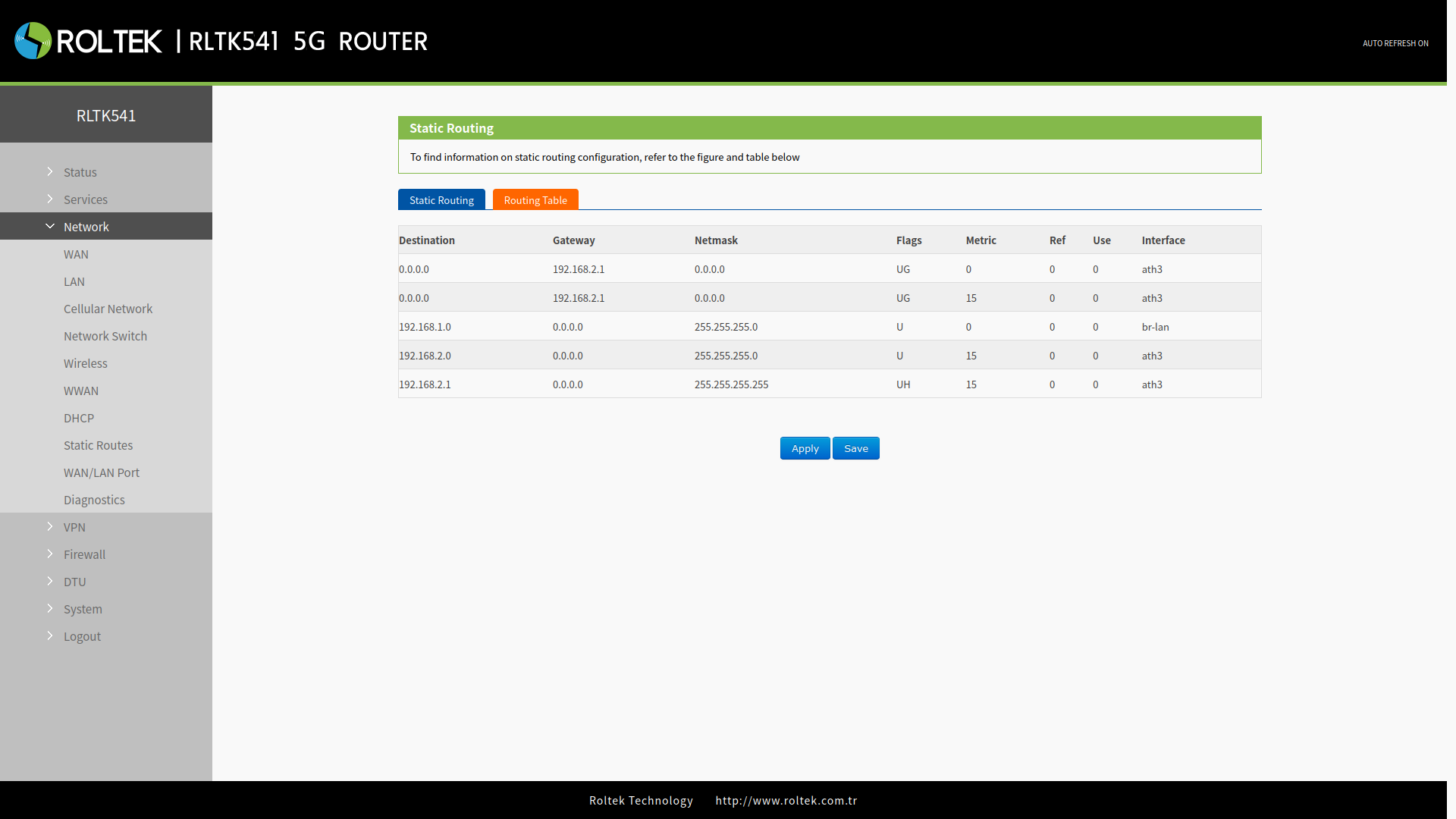
All routing rules can be observed in the Routing Table tab.