Ethernet Settings
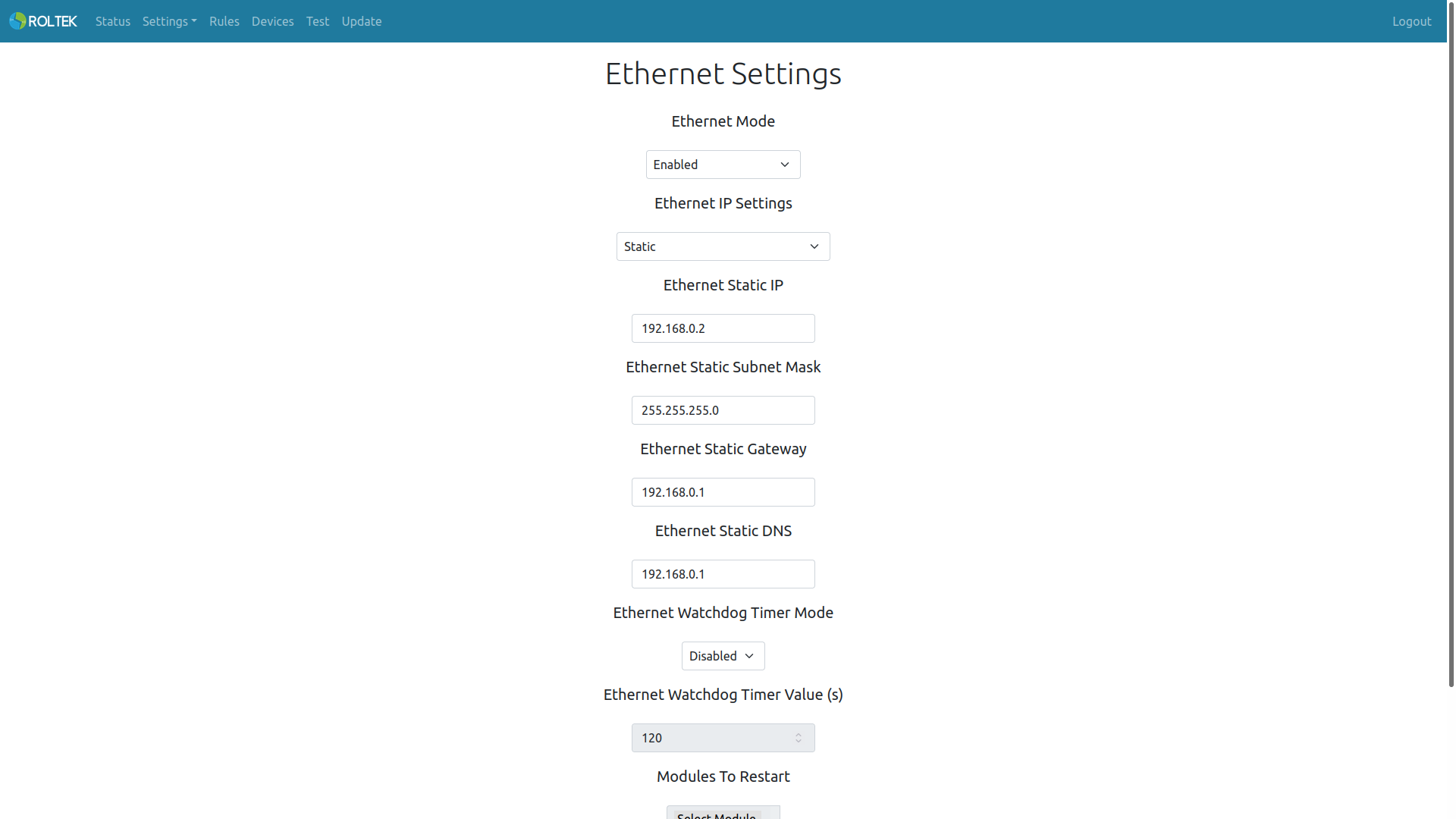
Follow the Settings and Ethernet tabs. On this page, the user can configure the ethernet settings. The user can enable or disable the ethernet connection.
-
If DHCP is selected, an IP will be assigned to the device from the router or switch.
-
If Static is selected, the user must enter the Static IP, Subnet Mask, and Gateway IP manually.
| Parameter | Description | Values |
|---|---|---|
| Ethernet Mode | Ethernet Mode. | - Enabled - Disabled |
| Ethernet IP Settings | Ethernet IP operating mode. | - DHCP - Static |
| Ethernet Static IP | Ethernet static IP address. | |
| Ethernet Static Subnet Mask | Ethernet static Subnet Mask. | |
| Ethernet Static Gateway | Ethernet static Gateway address. | |
| Ethernet Static DNS | Ethernet static DNS address. | |
| Ethernet Watchdog Timer Mode | Enable or disable the ethernet watchdog timer. This watchdog timer is triggered when it cannot obtain an IP from the switch or router, or when the ethernet connection is lost. | Enabled Disabled |
| Ethernet Watchdog Timer Value | Ethernet watchdog timer duration. The unit is seconds. | 120 |
| Modules To Restart | Modules to be restarted when the ethernet watchdog timer is triggered. Multiple selections can be made. | - Ethernet - Reboot Device |