Software Update
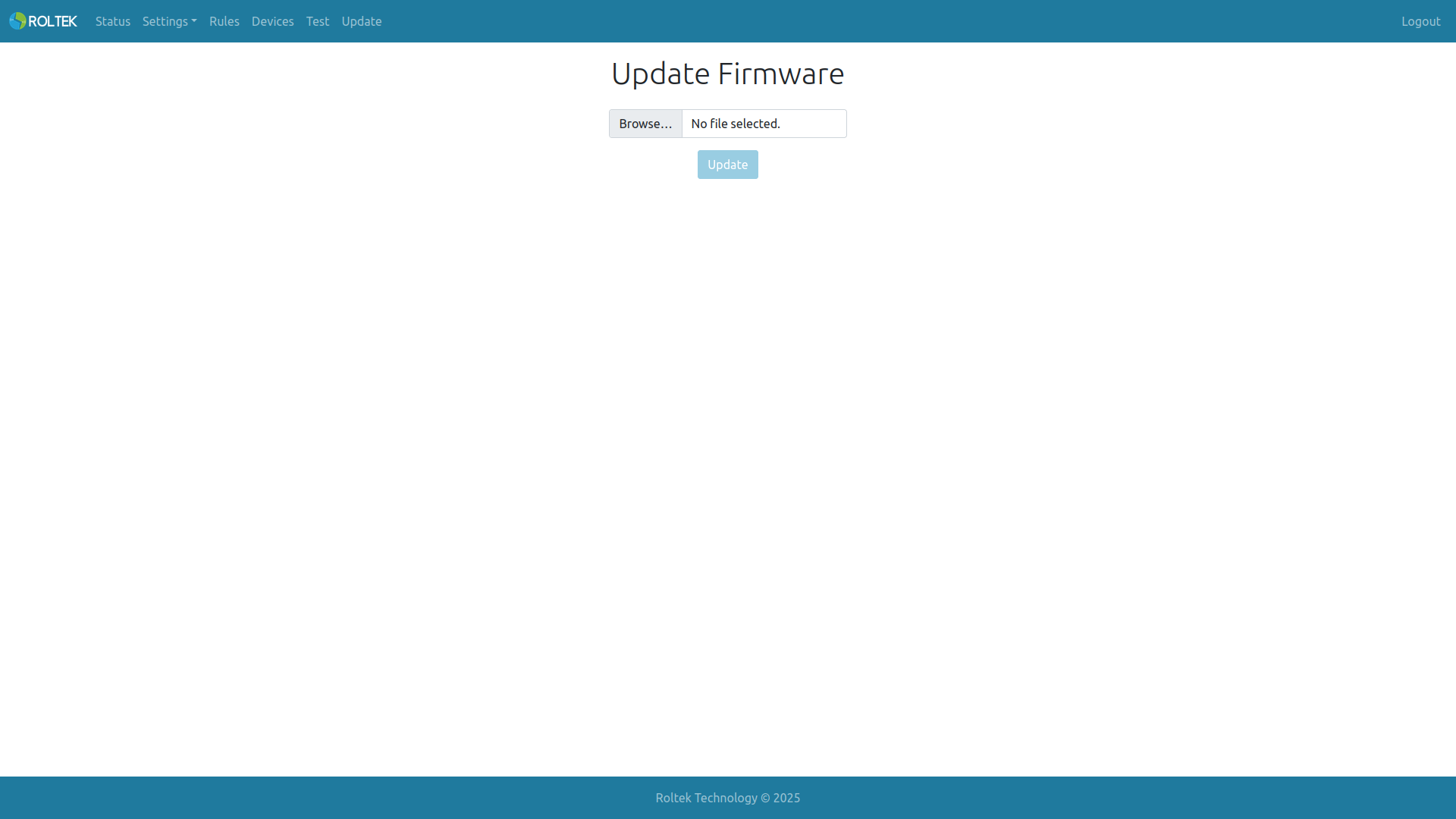
This page allows you to update the device's software. Software updates can be obtained from Roltek Technology.
To update the software:
- The update file is downloaded.
- Click the Select File button.
- From the opened window, select the downloaded file with the .bin extension.
- Press the Update button.
The device will restart after completing the update.