Backup and Reset of Settings
For backing up, restoring, or resetting device settings:
- System
- Backup/Upgrade
follow the menus.
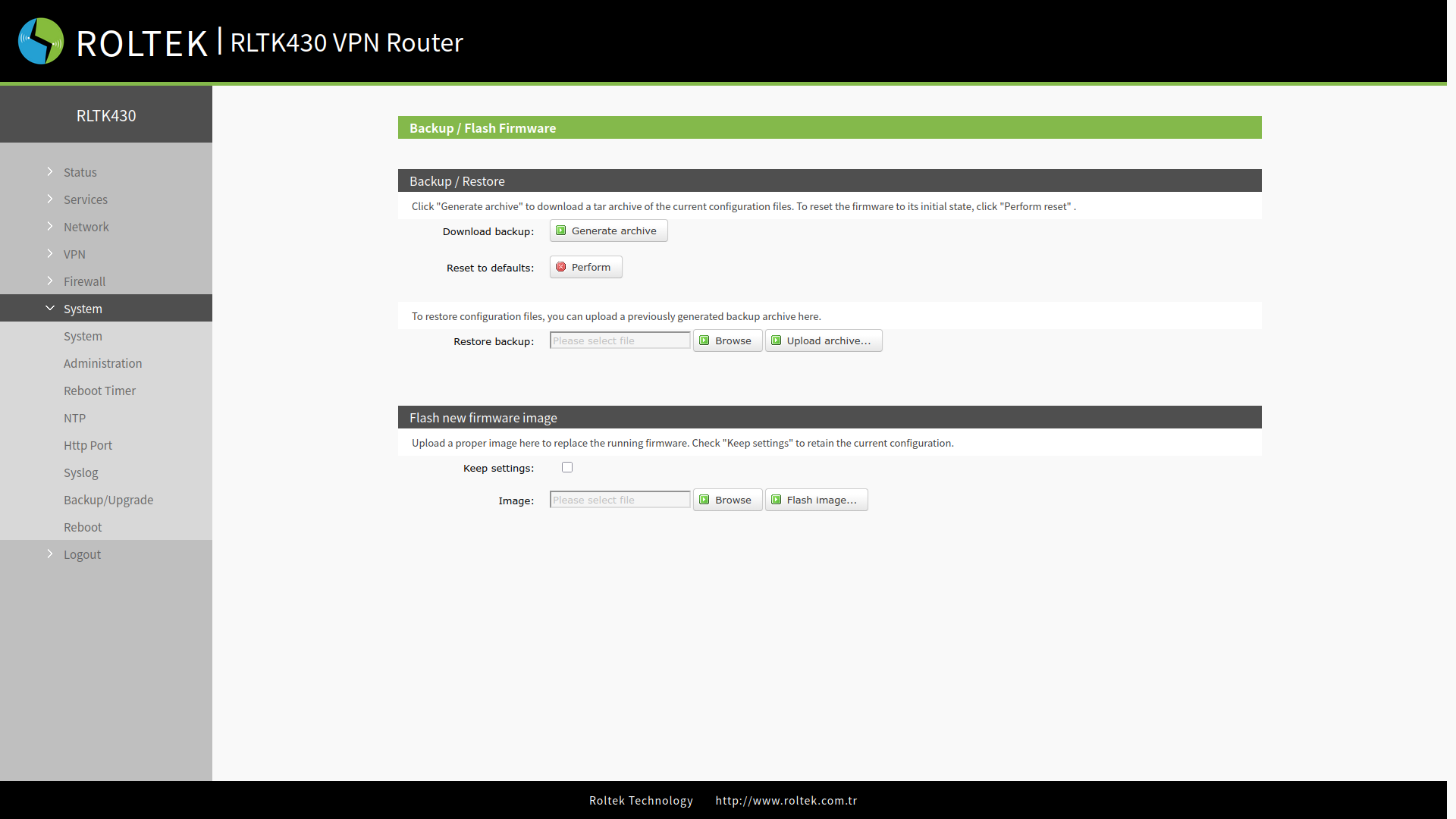
The section related to device configurations is located in the Backup / Restore section.
Downloading the Configuration File
By clicking the Generate Archive button, the current settings of the device can be downloaded.
Uploading the Configuration File
The configuration file is selected using the Browse button located in the Restore Backup section, and the settings are uploaded to the device with the Upload archive... button.
Resetting Settings
The device can be returned to factory settings using the Perform button located in the Restore to defaults section.