NTP Settings
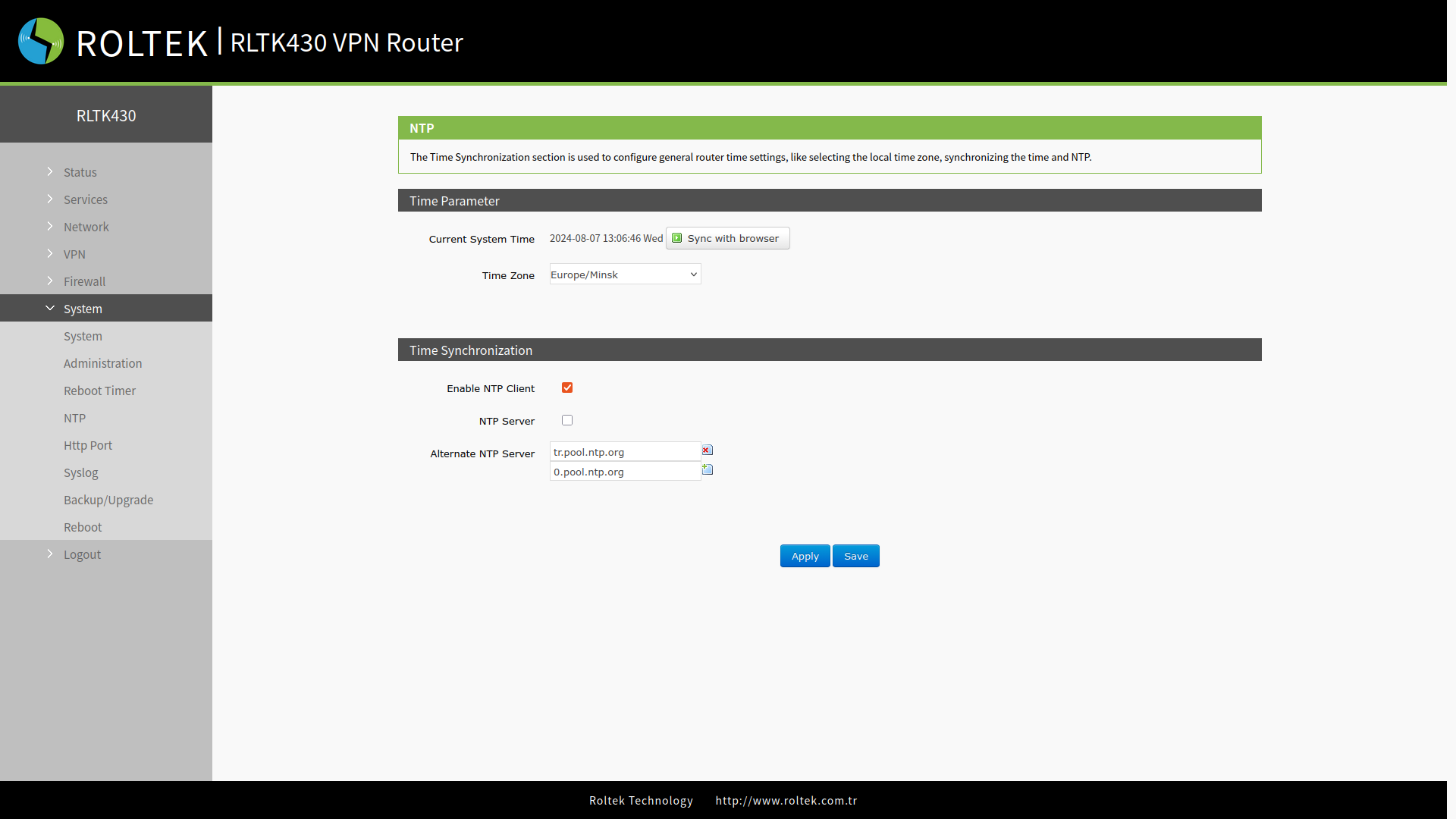
The NTP client is enabled by default and is set to the address tr.pool.ntp.org.
To use a different server:
- Follow the menus for
- System
- NTP
You can enter your preferred server in the Alternate NTP Server section. Then, you can save your preferences by clicking the Save and Apply buttons.