Software Update
To update the device firmware:
- Follow the menus
- System
- Backup/Upgrade
The firmware file is selected using the Browse button located in the Firmware new firmware image section, and the firmware is uploaded to the device with the Flash button.
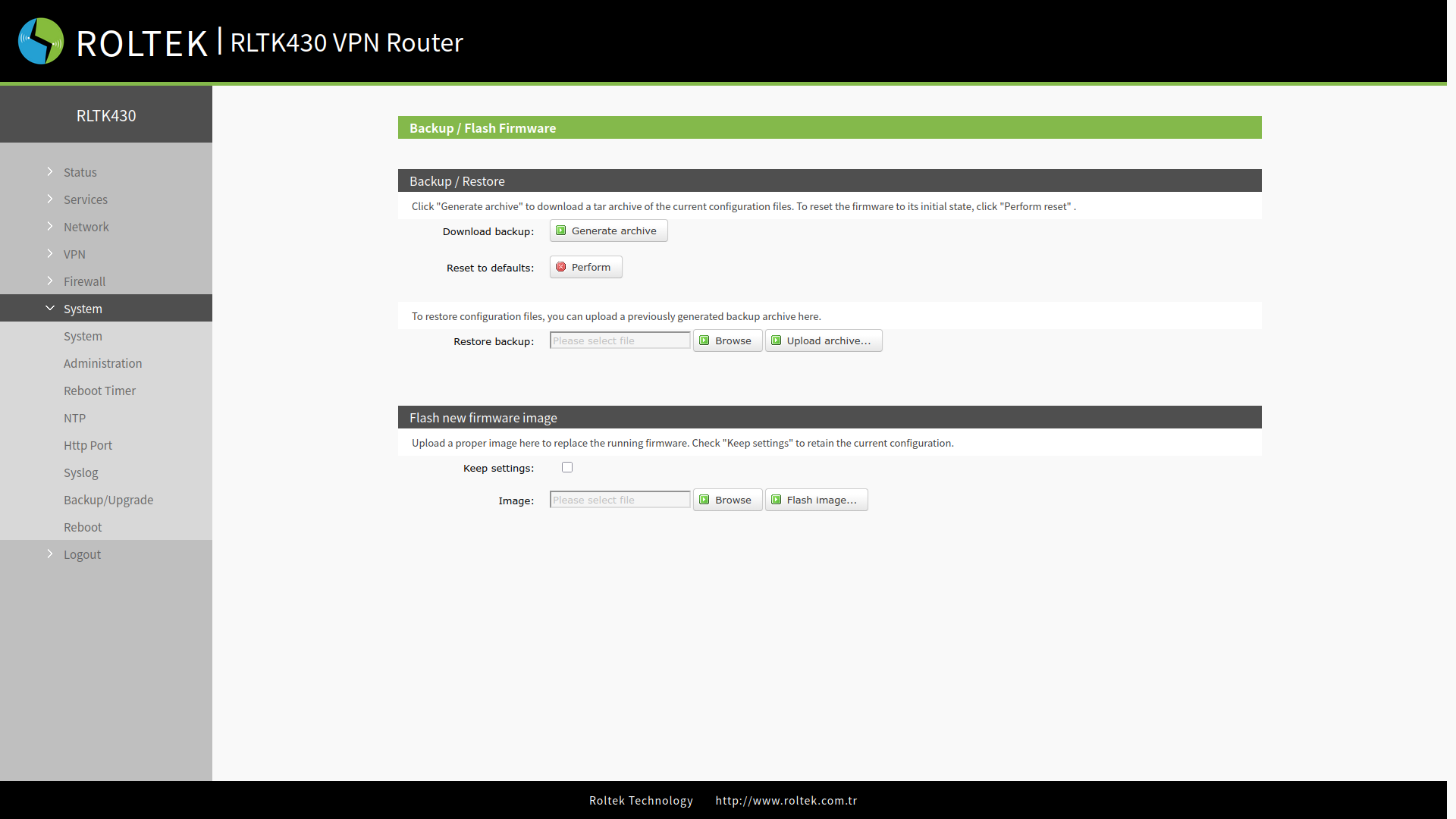
- The software update will take approximately 3-4 minutes.
- If the Keep Settings option is selected, the current settings will be preserved.
- During the update process, please do not turn off the device or disconnect the network connection.