Software Update
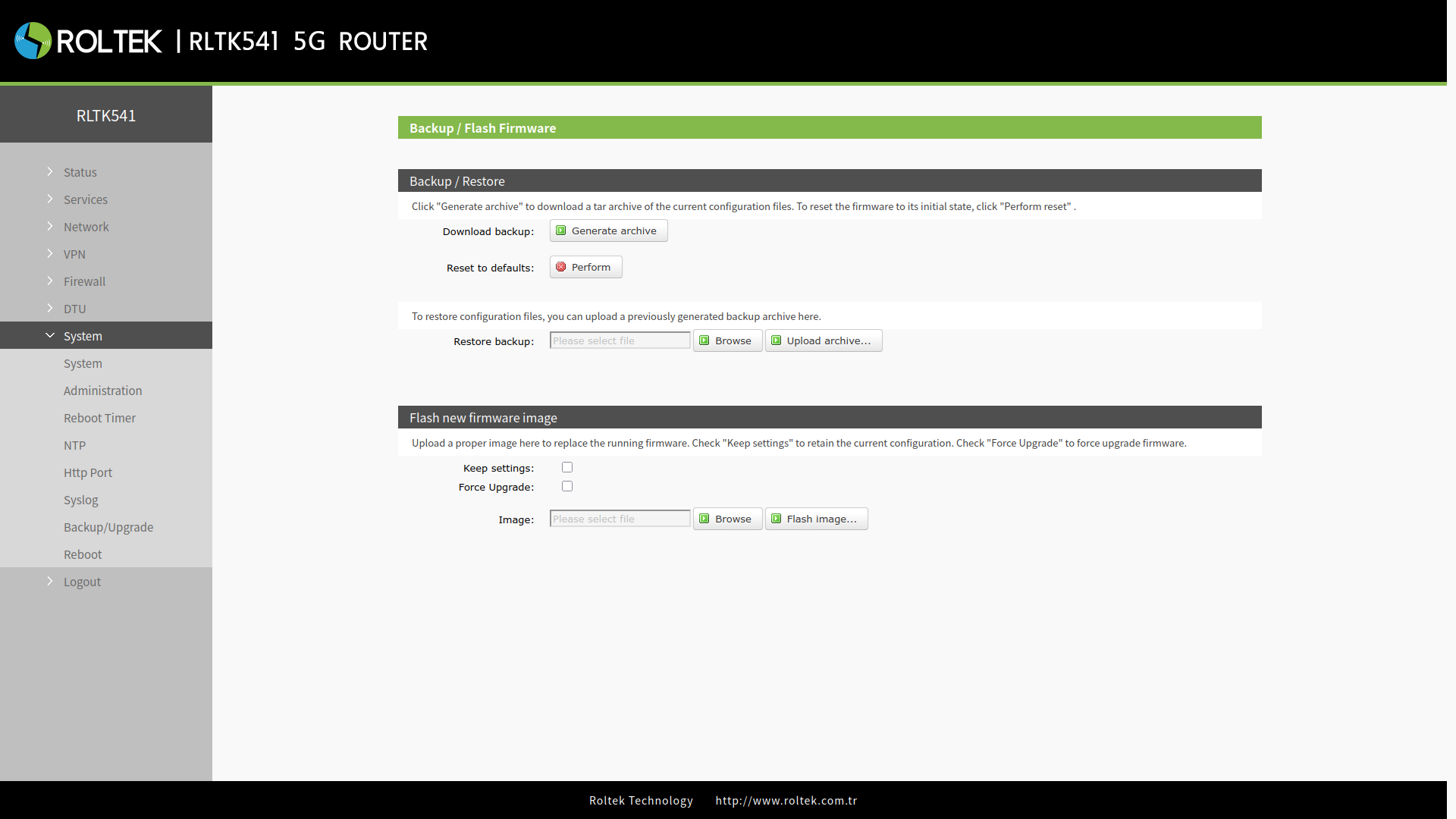
To update the device firmware:
- Follow the menus
- System
- Backup/Upgrade
In the Firmware new firmware image section, the firmware file is selected using the Browse button in the Image section, and the firmware is uploaded to the device using the Flash image... button.
- The software update will take approximately 3-4 minutes.
- If the Keep Settings option is selected, the current settings will be preserved.
- During the update process, please do not turn off the device or disconnect the network connection.