Reboot
Reboot
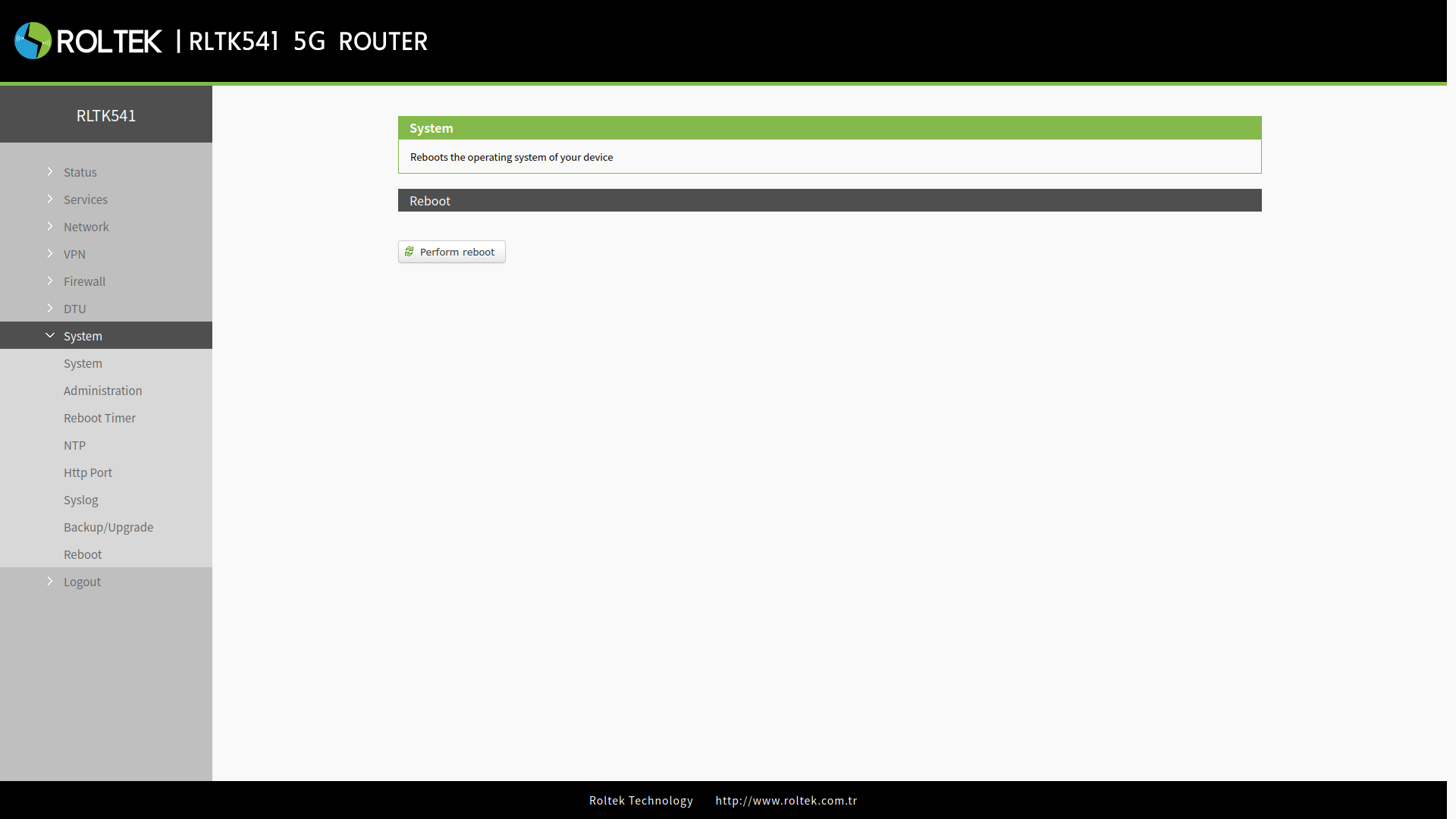
To reboot the device:
- System
- Reboot
follow the menus.
The device is rebooted with the Perform Reboot button.
Timer Settings
To periodically reboot the device with timer settings:
- System
- Reboot Timer
follow the menus.
Users can reboot the router at any time daily, weekly, or monthly, improving operational stability by regularly clearing the working cache.
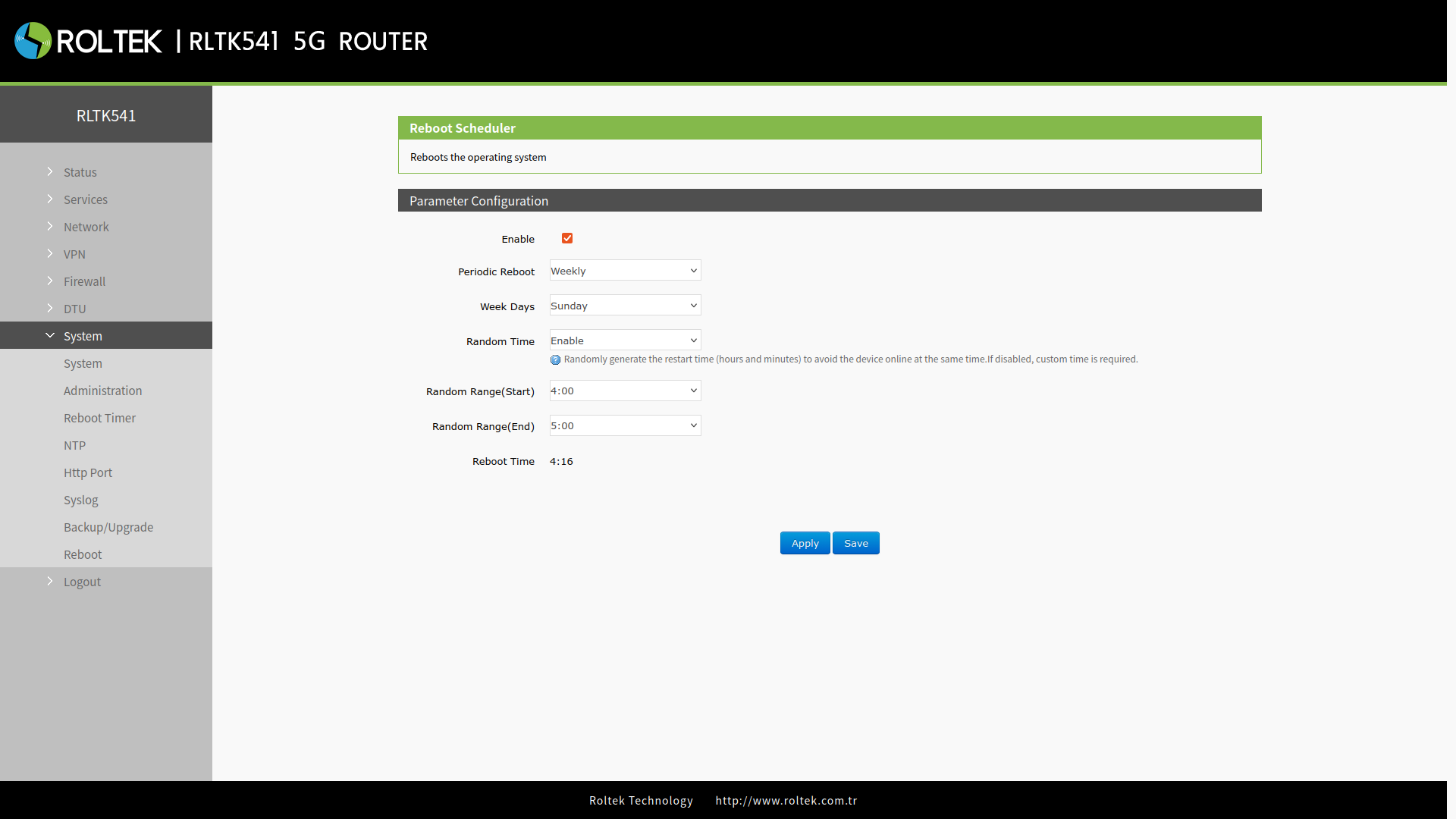
- Enable: Enable/Disable
- Periodic Reboot: Reboot period. Daily, Weekly, Monthly can be selected.
- Week Days: If Weekly is selected in the Periodic Reboot section, the day of the week on which the device will reboot is selected.
- Day: If Monthly is selected in the Periodic Reboot section, the day of the month on which the device will reboot is selected.
- Random Time: If selected, it prevents the device from rebooting at the same times by choosing a random reboot time within the specified intervals.
- Random Time Enable:
- Random Range(Start): Start time of the random time range.
- Random Range(End): End time of the random time range.
- Reboot Time: The reboot time randomly selected by the device.
- Random Time Disable:
- Hour: The hour at which the device will reboot.
- Minute: The minute at which the device will reboot.
After entering your settings, you can save and activate the settings by clicking the Save and Apply buttons.