Backup and Reset of Settings
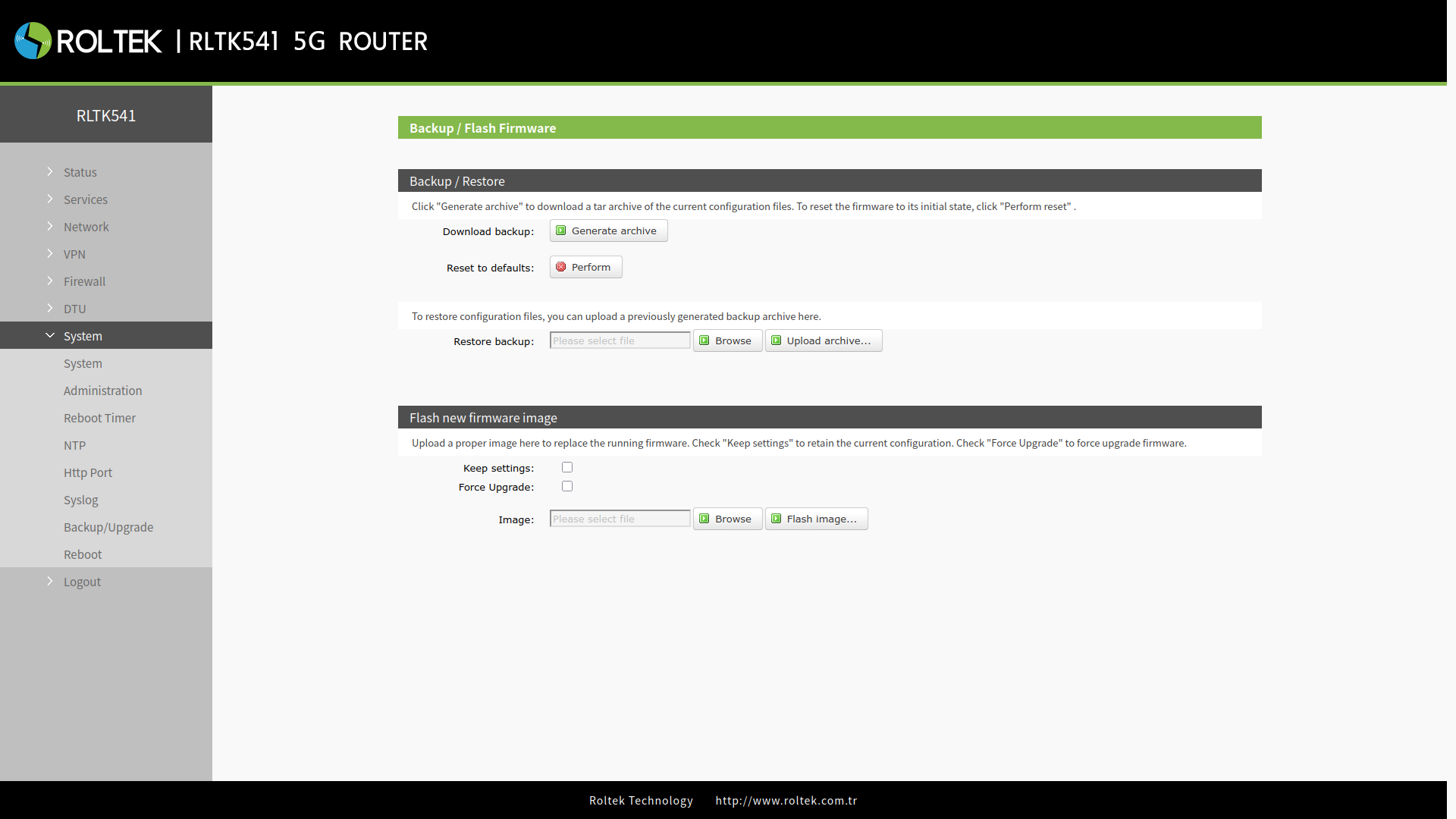
For backing up, restoring, or resetting device settings:
- System
- Backup/Upgrade
follow the menus.
By clicking the Generate archive button, the current settings of the device can be downloaded.
In the Restore Backup section, the Browse button is used to select the configuration file, and the settings are uploaded to the device with the Upload button.
In the Restore to Default section, the device can be returned to factory settings using the Restore button.