VLAN Settings
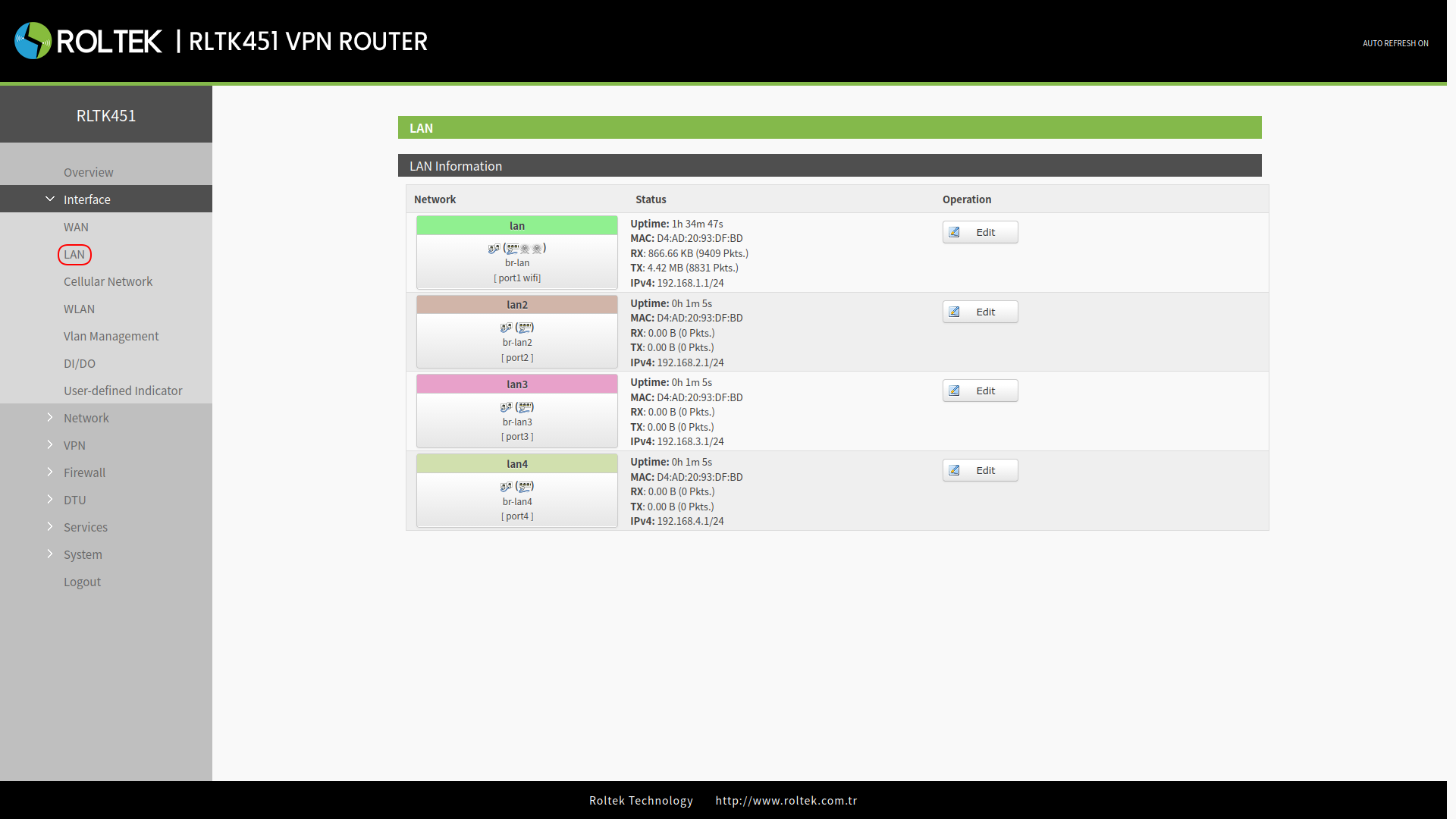
VLAN support is available on the RLTK451. 4 LAN ports can be divided into multiple VLAN interfaces. If the VLAN function is enabled, the LAN IP address will automatically be set to 192.168.1.1, LAN 2 will be 192.168.2.1, and so on. To configure VLAN settings:
- Follow the menus for
- Interface
- VLAN
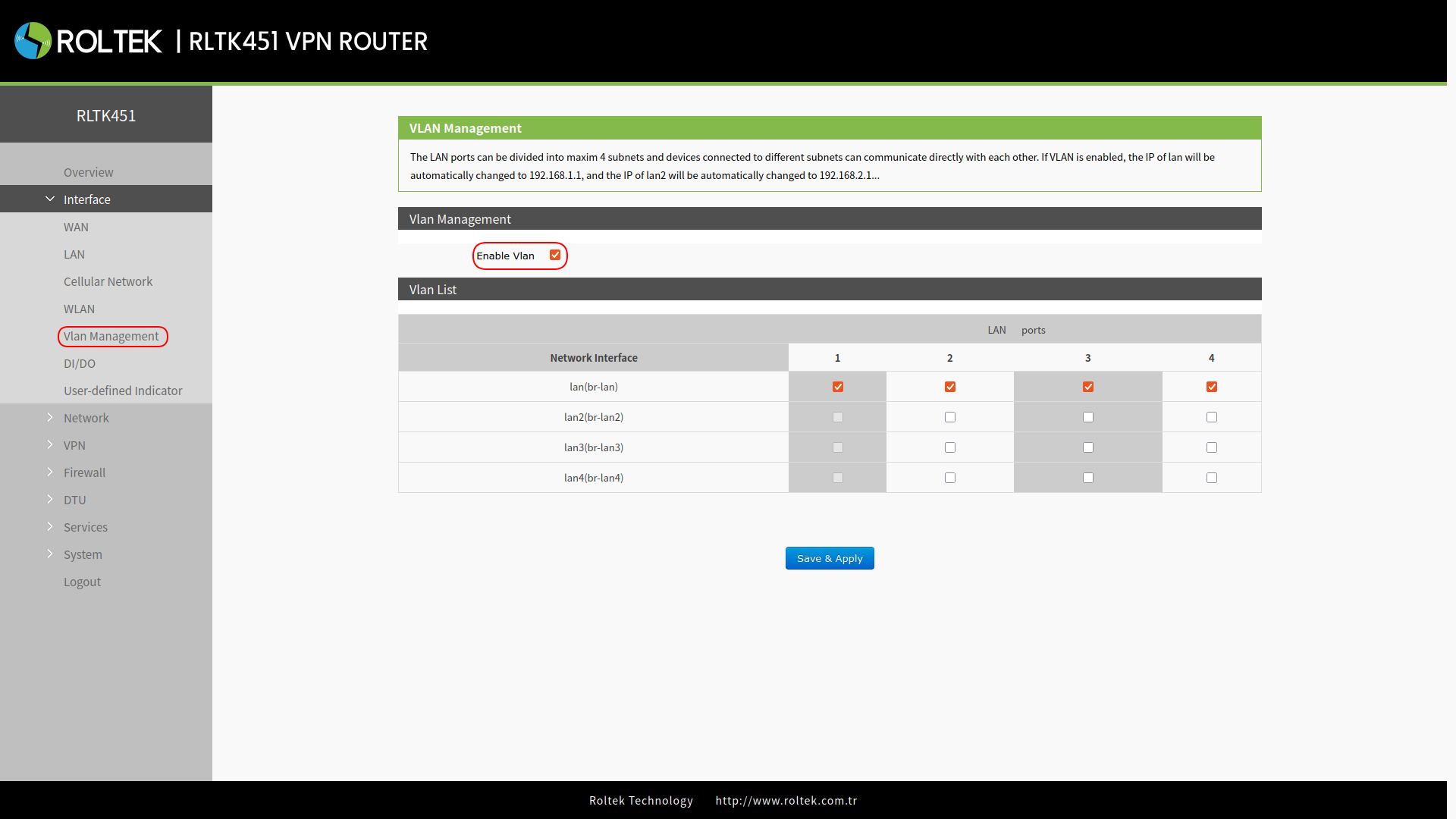
| Parameter | Description | Default Value |
|---|---|---|
| Enable VLAN | Enable or disable VLAN. | Disable |
| LAN 1 interface | Cannot be set. | lan |
| LAN 2 interface | A selection can be made between lan - lan4. | lan |
| LAN 3 interface | A selection can be made between lan - lan4. | lan |
| LAN 4 interface | A selection can be made between lan - lan4. | lan |
- Wi-Fi belongs to the lan interface. When connected to the Wi-Fi network of the RLTK451, you will receive an IP address in the same network segment as br-lan.
- Users can change the VLAN network segment from the Interface > LAN menu.