Access Settings
To configure access restrictions:
- Firewall
- Access Restrictions
follow the menus. From the Method section, you can select close, Black List, or White List.
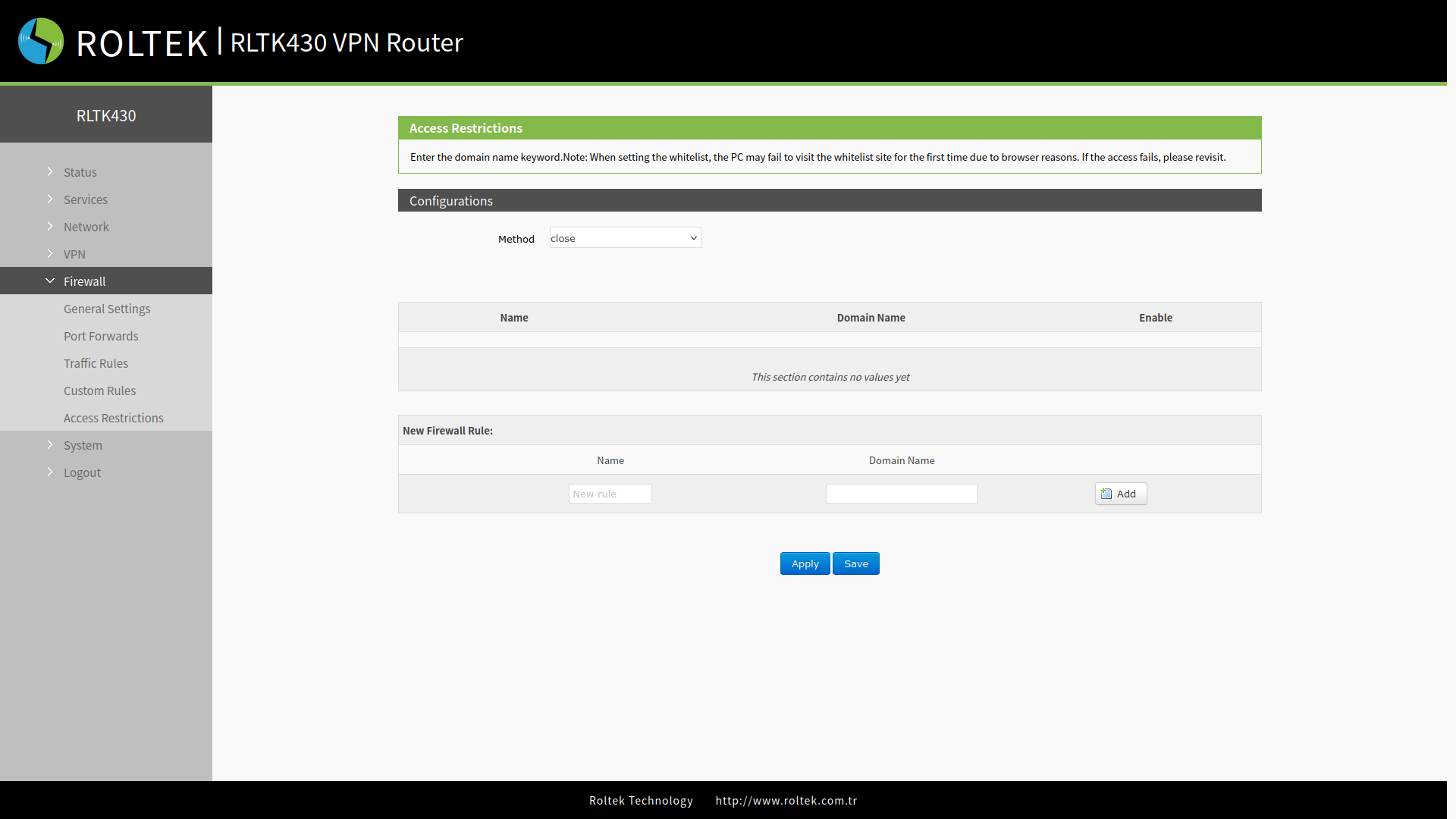
Blacklist
When you select the Black List mode, devices connected to the router cannot access the domain names listed in the blocked list, but they can continue to access all other domain names.
Whitelist
After enabling the White List mode, devices connected to the router can only access the domain names that are on the allowed list. If you enable the White List but forget to add the relevant rules, the device cannot access any domain name.