Web Interface
Introduction to the Web Interface
Connect the computer to the LAN port of the RLTK451 via an Ethernet cable or connect the computer directly to the RLTK451's Wi-Fi network, then log in to the web page. The default parameters are as follows:
| Parameters | Default Value |
|---|---|
| SSID | RLTK451-XXXX |
| LAN IP address | 192.168.1.1 |
| Username | root |
| Password | root |
| Wi-Fi Password | www.roltek.com.tr |
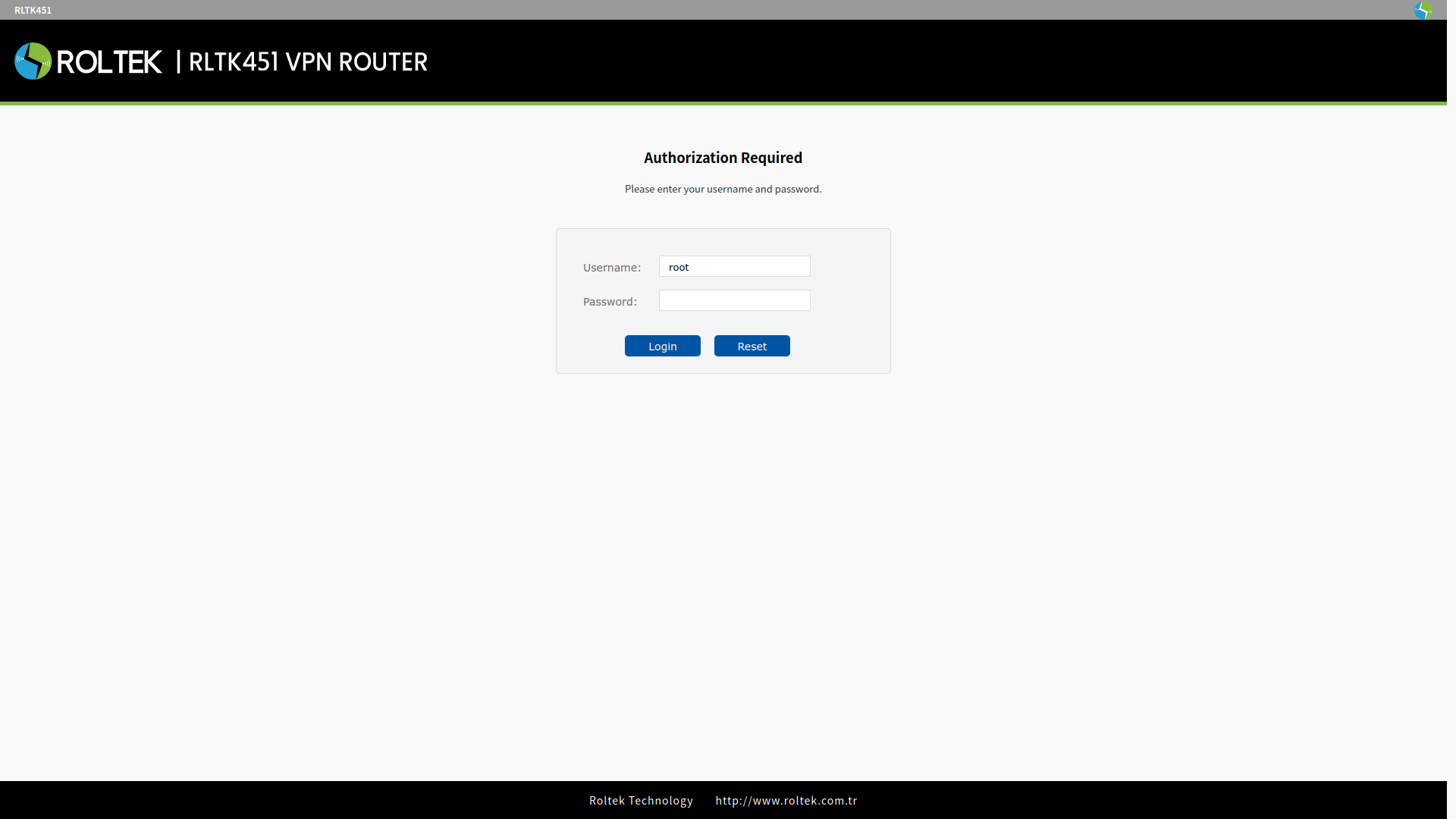
Make sure that the network being used (either ethernet or Wi-Fi) is set to DHCP or that the subnet address is within the 192.168.1.0/24 block. To access the web page of the RLTK451, type 192.168.1.1 in the search bar of your browser. Both the username and password are set to "root". Then click the Login button.
Status Page
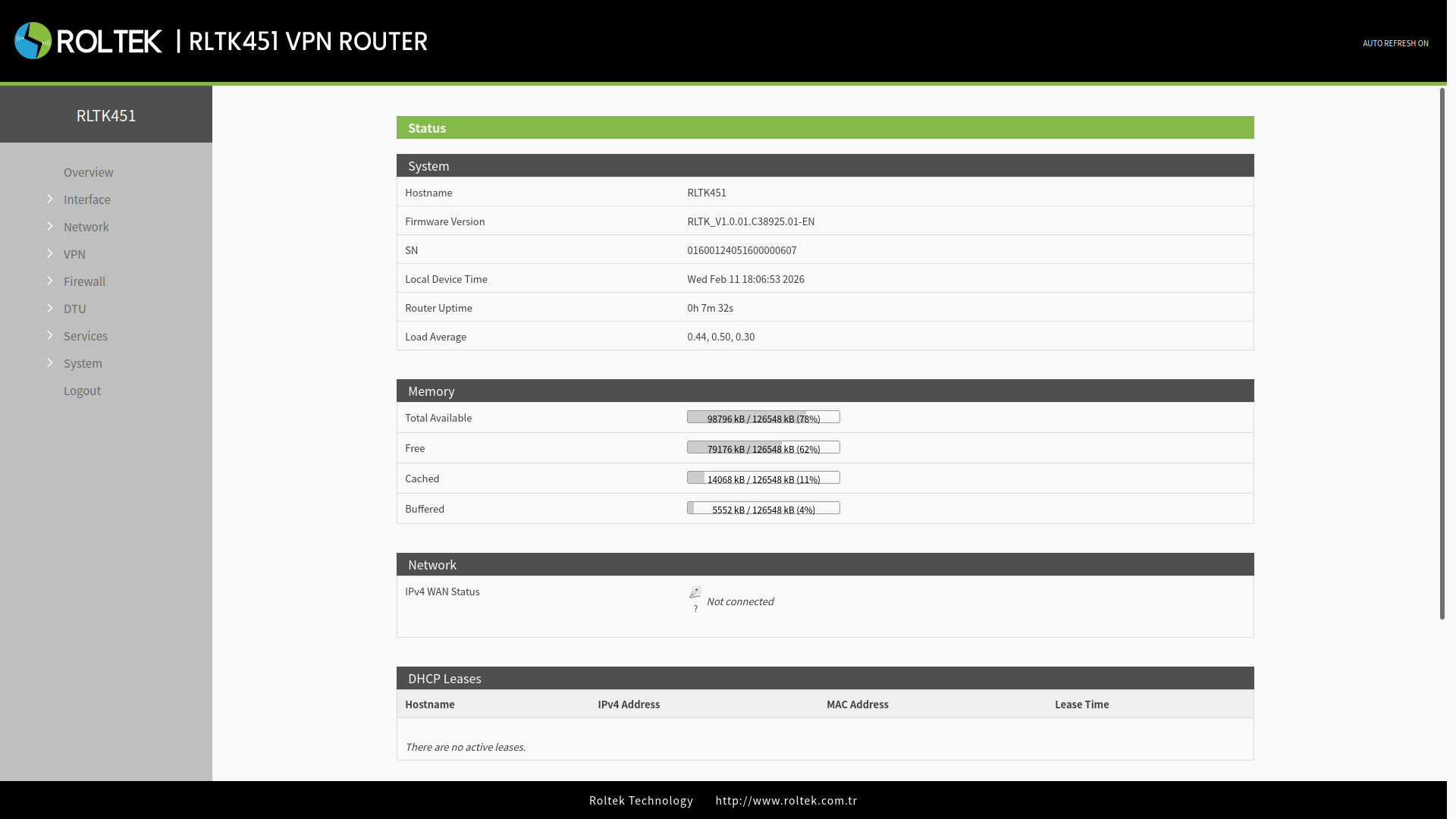
After logging into the device, the Status screen will appear as shown below.