Adding External RF Modem
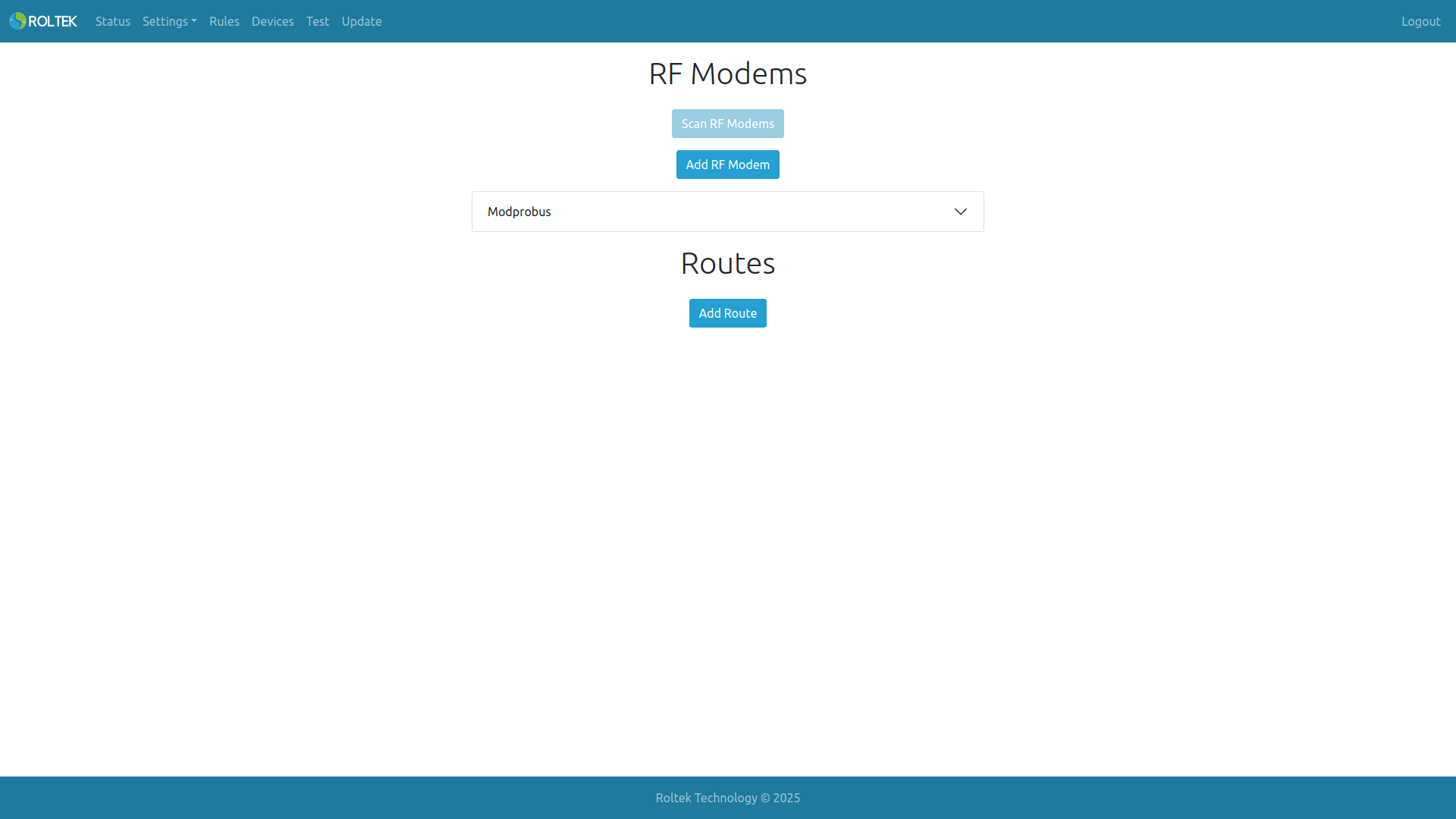
On the Devices page, the user can add or remove ModProBus devices from the network. The user can also specify the route to the device.
RF Modems
The user can add up to 10 RF Modems.
The user can add ModProBus devices to the network by clicking the Add RF Modem button.
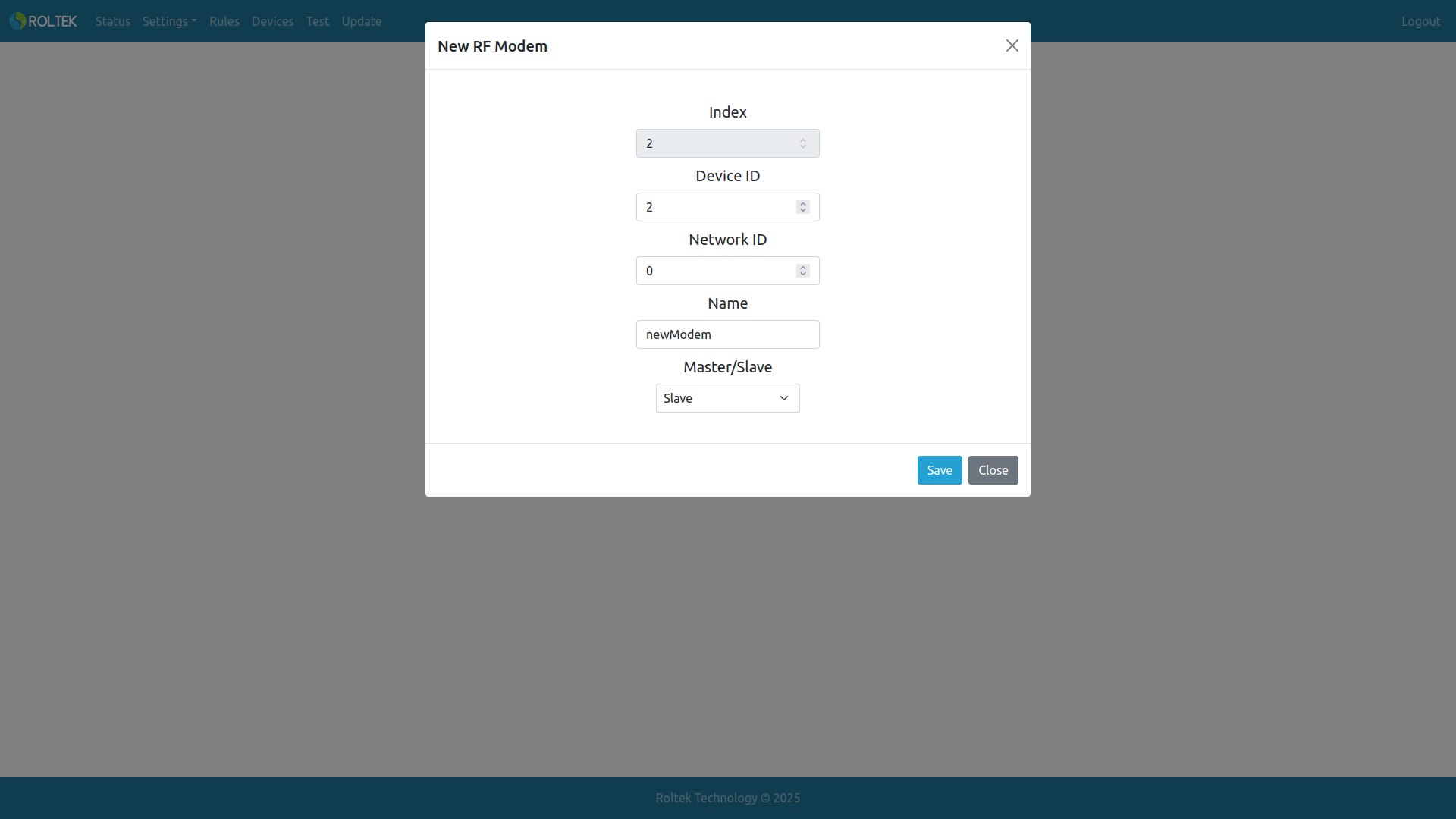
| Parameter | Description | Values |
|---|---|---|
| Index | The index value of the RF Modem. It is automatically assigned by the device and cannot be changed. | |
| Device ID | The ID of the device. | 0-254. |
| Network ID | The Network ID of the device. | 0-254. |
| Name | The name of the RF Modem. (Maximum length 16) | |
| Master/Slave | The role of the device in the network. | Master Slave |
There can only be one master in a network.
Modbus Devices
Up to 10 Modbus devices can be added for each RF modem.
The user can add Modbus Devices to RF modems using the Add Modbus Device button.
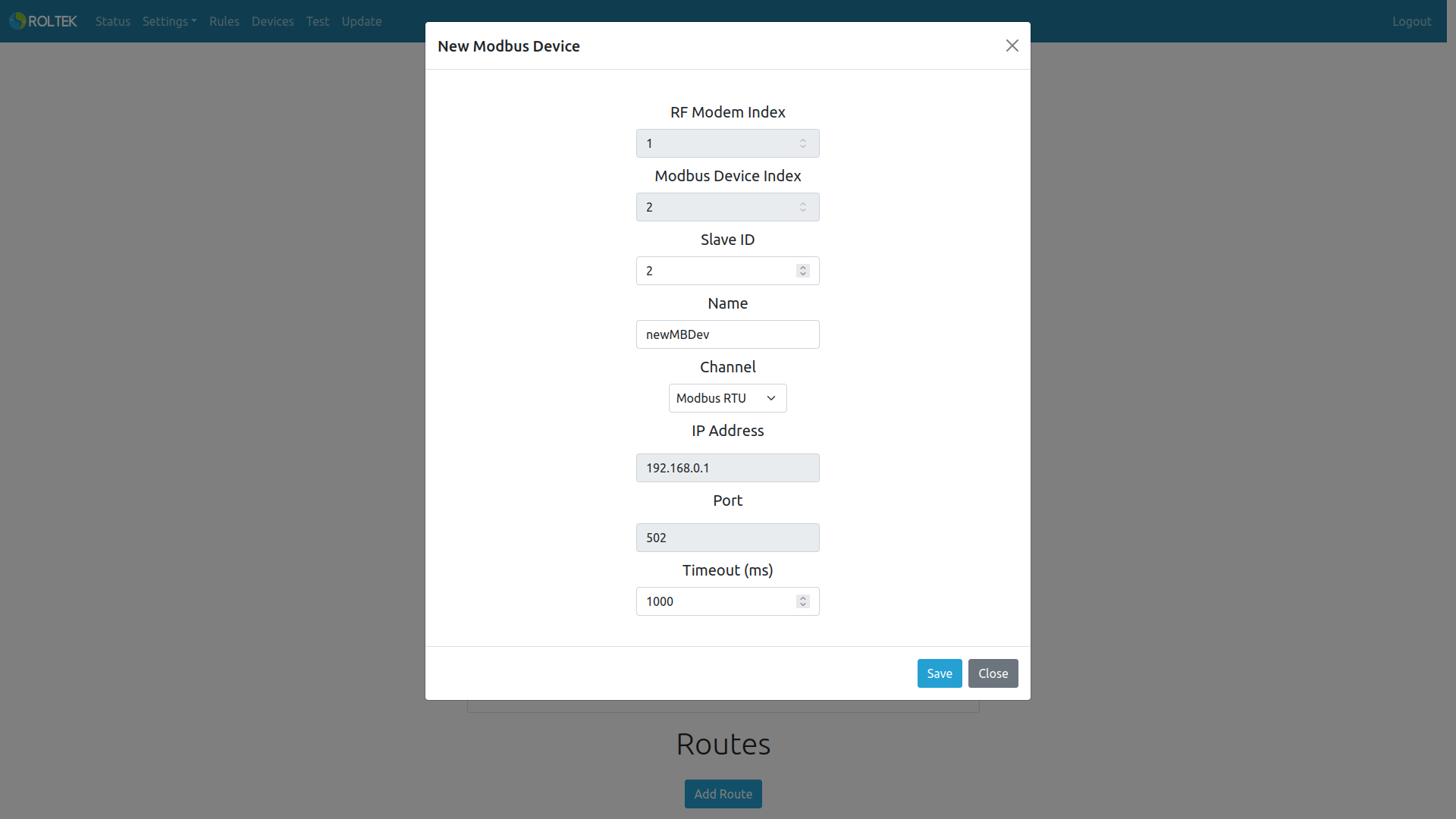
| Parameter | Description | Values |
|---|---|---|
| RF Modem Index | The index value of the RF Modem. It is automatically assigned by the device and cannot be changed. | |
| Modbus Device Index | The index value of the Modbus Device. It is automatically assigned by the device and cannot be changed. | |
| Slave ID | The Slave ID of the Modbus device. | 0-255 |
| Name | The name of the Modbus device (Maximum length 16) | |
| Channel | Type of connection. | Modbus RTU Modbus TCP/IP |
| IP Address | If the Modbus TCP/IP option is selected, the user must enter the device's IP address. | |
| Port | If the Modbus TCP/IP option is selected, the user must enter the device's port number. | |
| Timeout (seconds) | The timeout duration when reading data from the Modbus RTU or Modbus TCP device. |
Routes
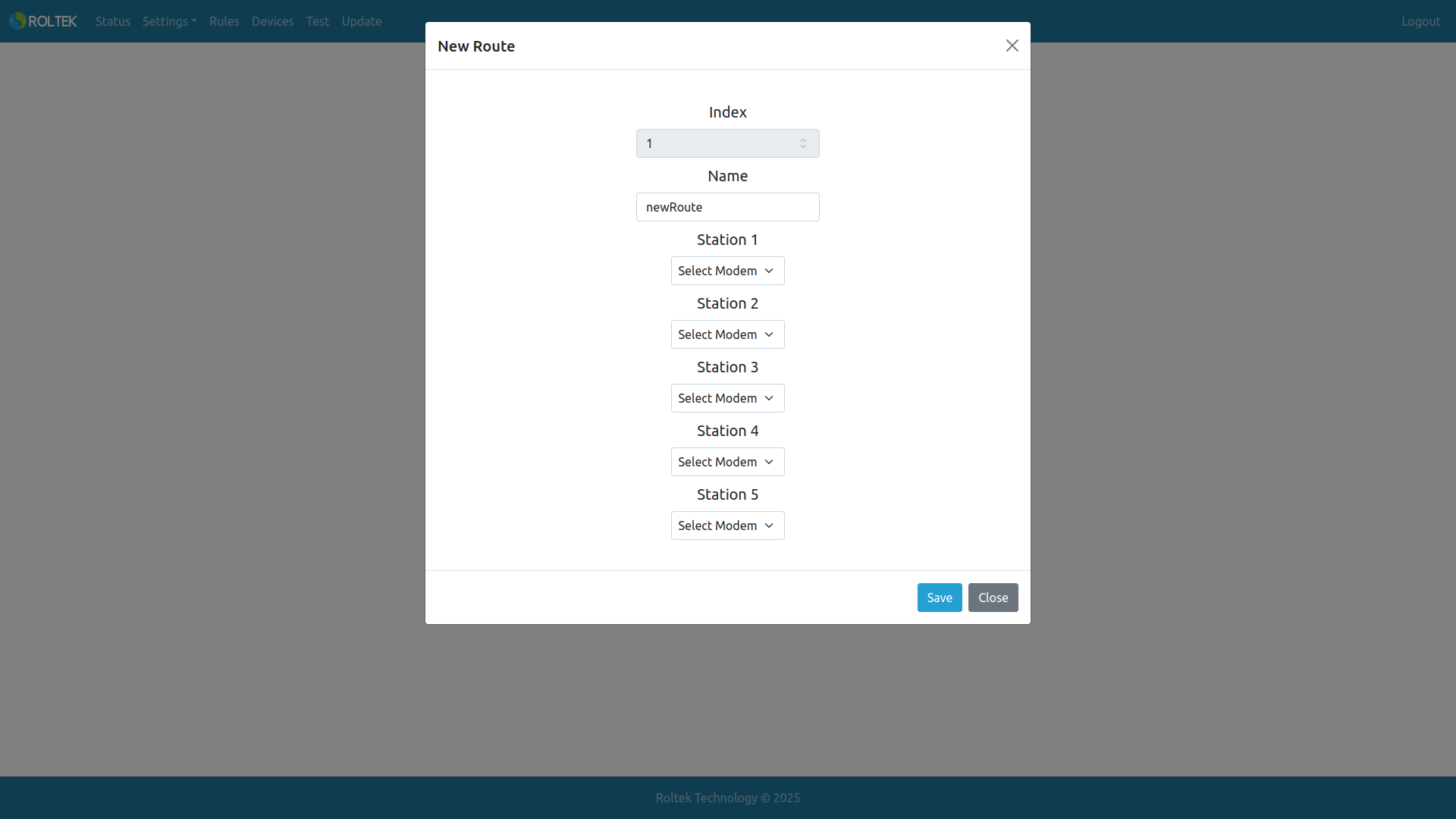
For each network, the user can add up to 5 routes.
The user can add a Route to the network using the Add Route button.
- Index: The index value of the route. It is automatically assigned by the device and cannot be changed.
- Name: The name of the route. (Maximum length 16).
- Station 1-5: RF modem to add to the route.