General Settings
For the device's general firewall settings:
- Firewall
- General Settings
follow the menus.
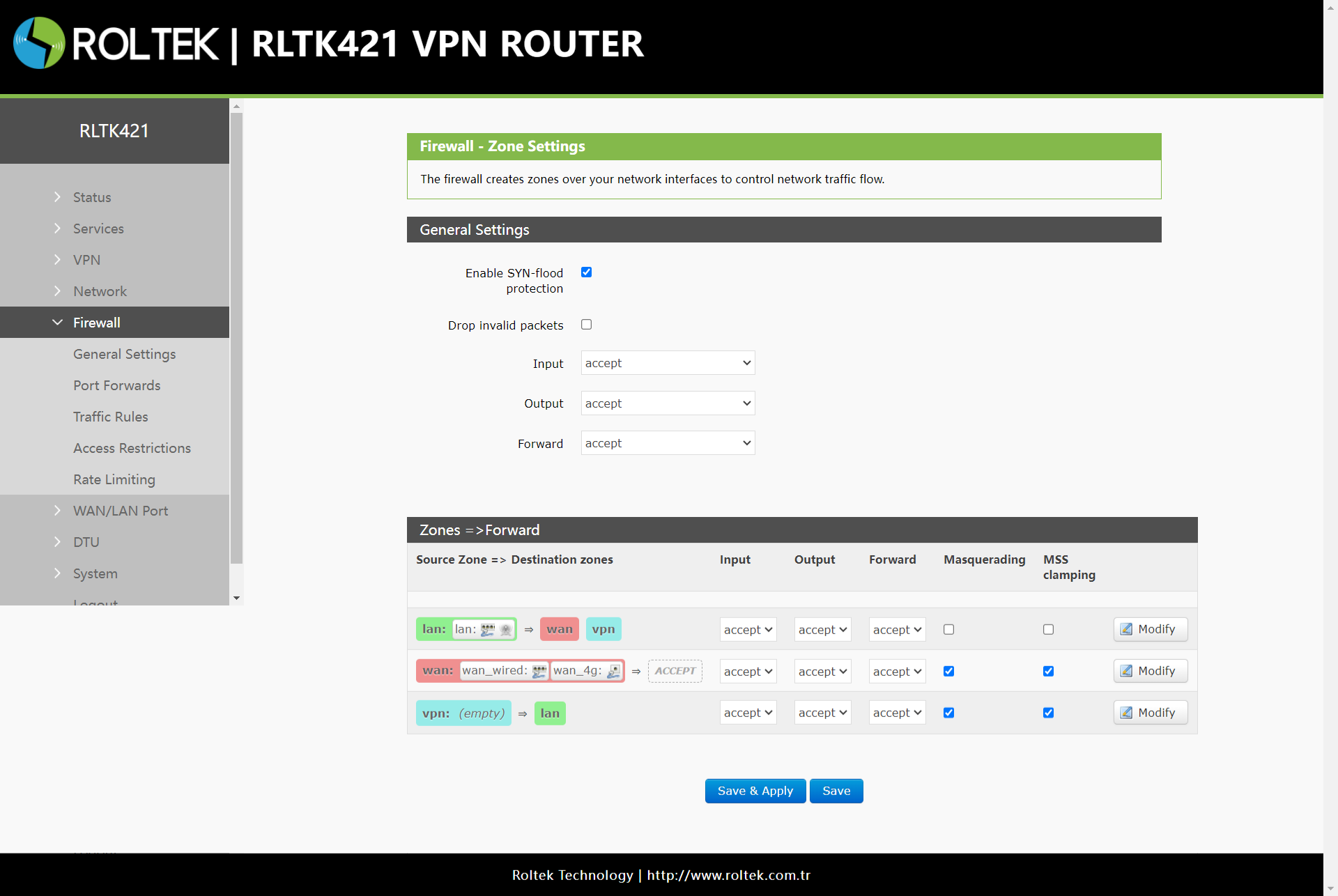
- Input: Allows data packets to access the router's IP.
- Output: Data packets sent by the router's IP.
- Forward: Data transmission between interfaces occurs without passing through the router.
- Masquerading: Used for WAN and 4G interfaces. The source IP address is hidden before accessing the external network.
- MSS Clamping: Limits MSS (Maximum Segment Size) packets, typically set to 1460.