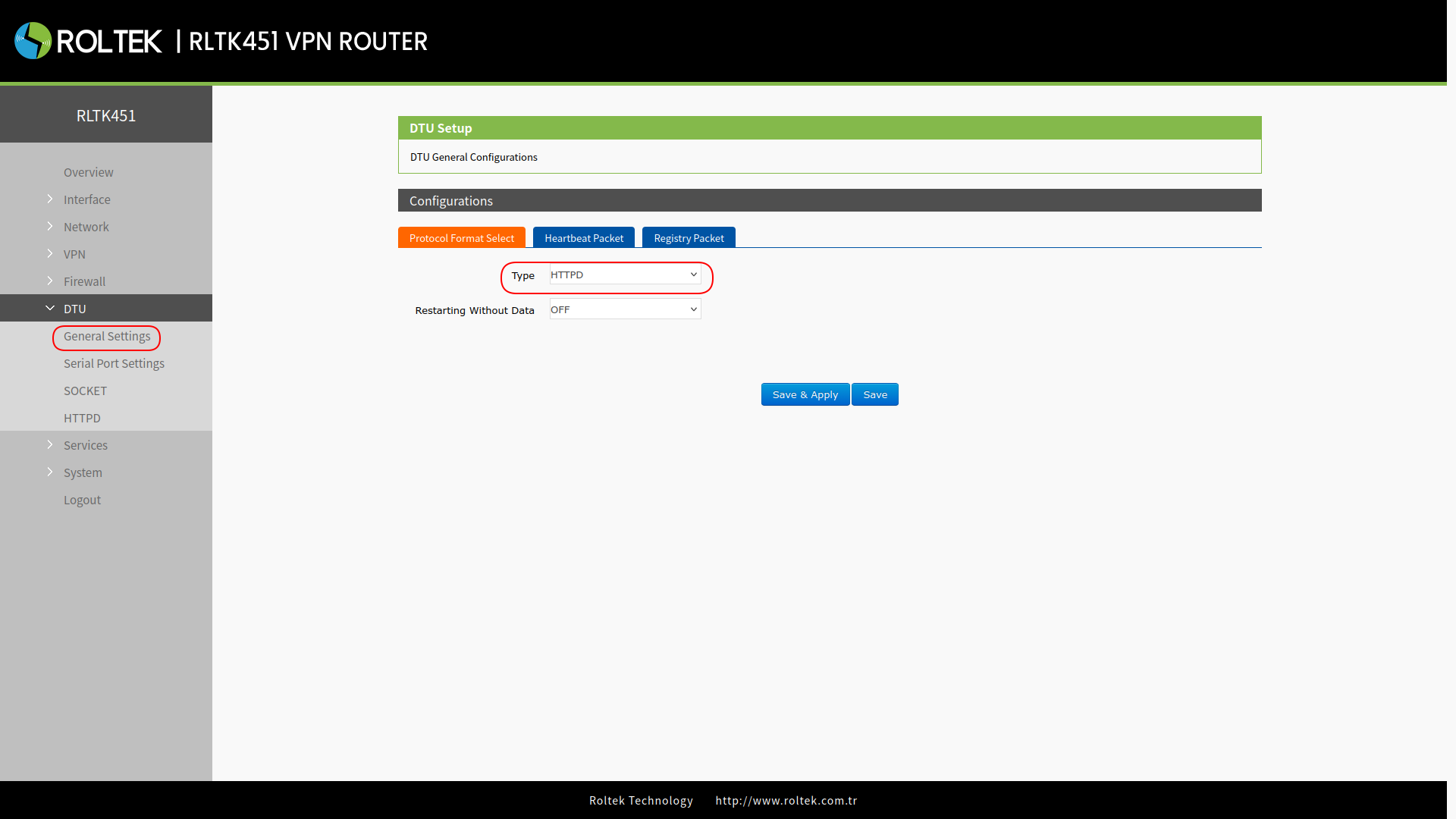
Serial Port Operating Modes
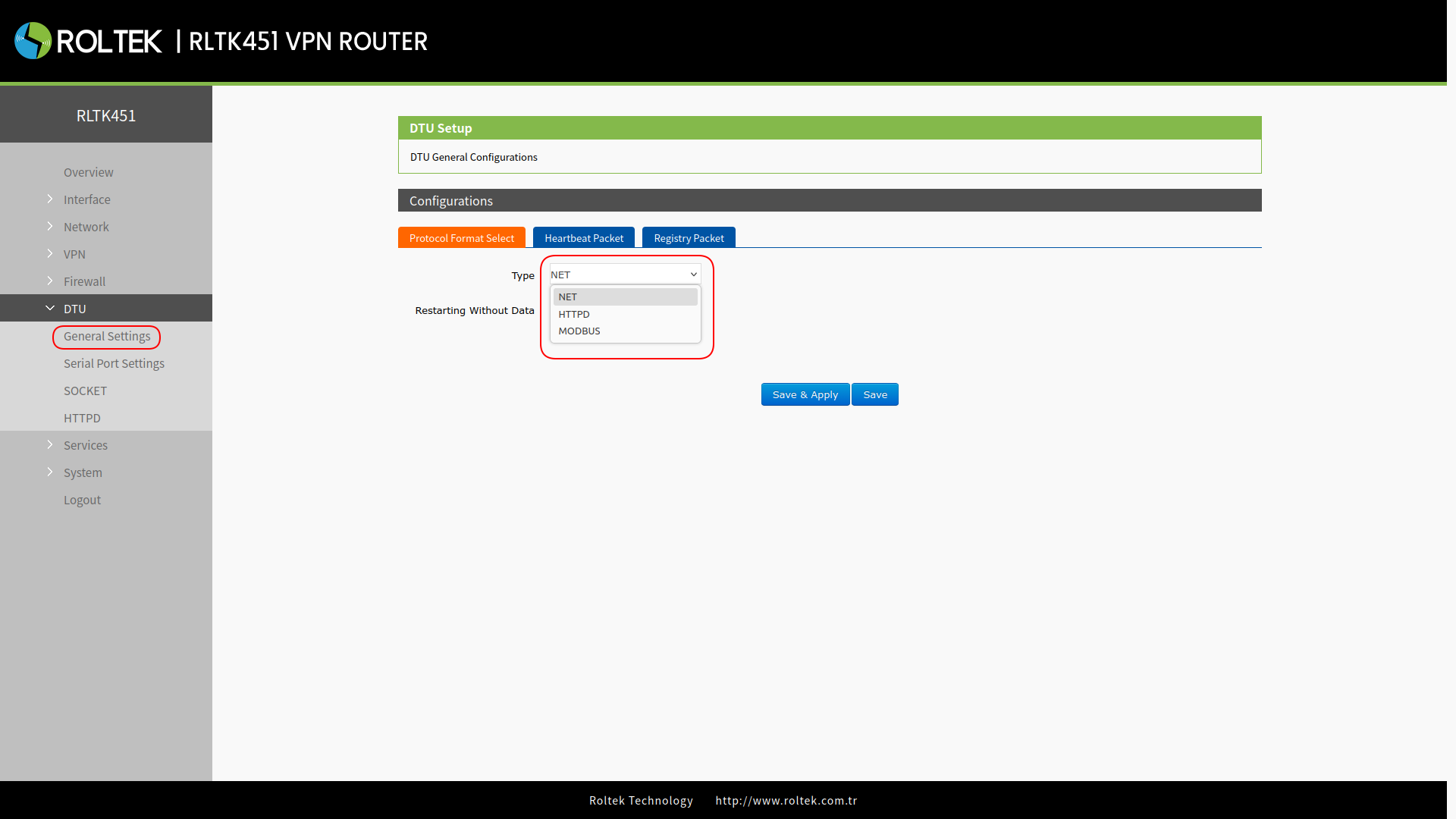
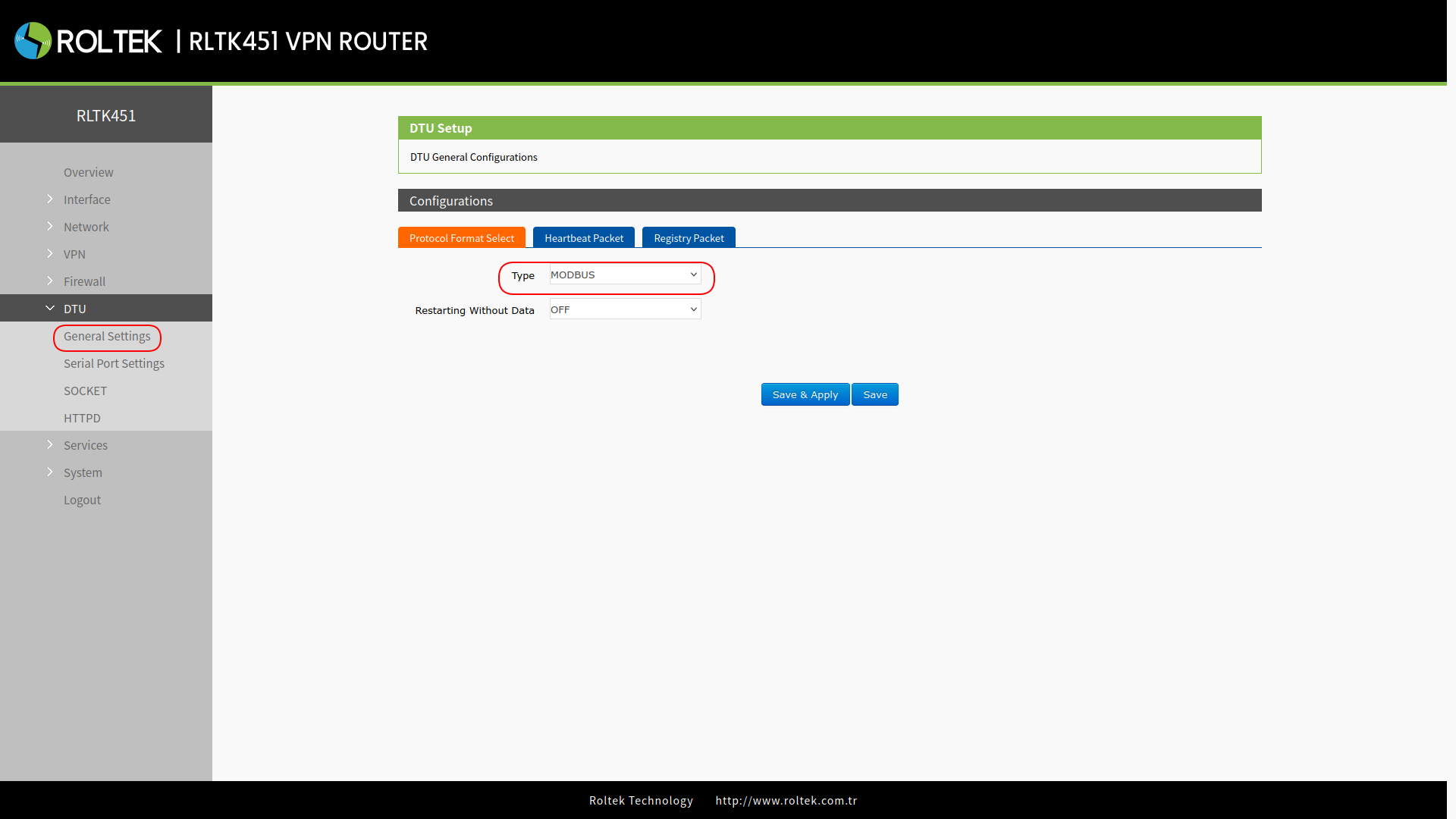
To set the operating modes of the device's serial port:
- DTU
- General Settings
follow the menus. The operating mode can be selected from the Type section under Protocol Format Select. The RLTK451 supports three different operating modes:
- NET (Transparent data transmission),
- MODBUS (MODBUS RTU → MODBUS TCP conversion),
- HTTPD (HTTP client mode).
The RLTK451 supports 4 independent socket connections. These sockets are numbered from socket A to socket D.
Socket A supports the following configurations:
- TCP client: The RLTK451 acts as a client to connect to a TCP server.
- TCP server: The RLTK451 acts as a server to listen for incoming TCP client connections.
- UDP client: The RLTK451 acts as a client to send UDP packets to a remote UDP server.
- UDP server: The RLTK451 acts as a server to receive UDP packets from remote UDP clients.
Sockets B, C, and D support the following configurations:
- TCP client: The RLTK451 acts as a client to connect to a TCP server.
- UDP client: The RLTK451 acts as a client to send UDP packets to a remote UDP server.
NET Mode
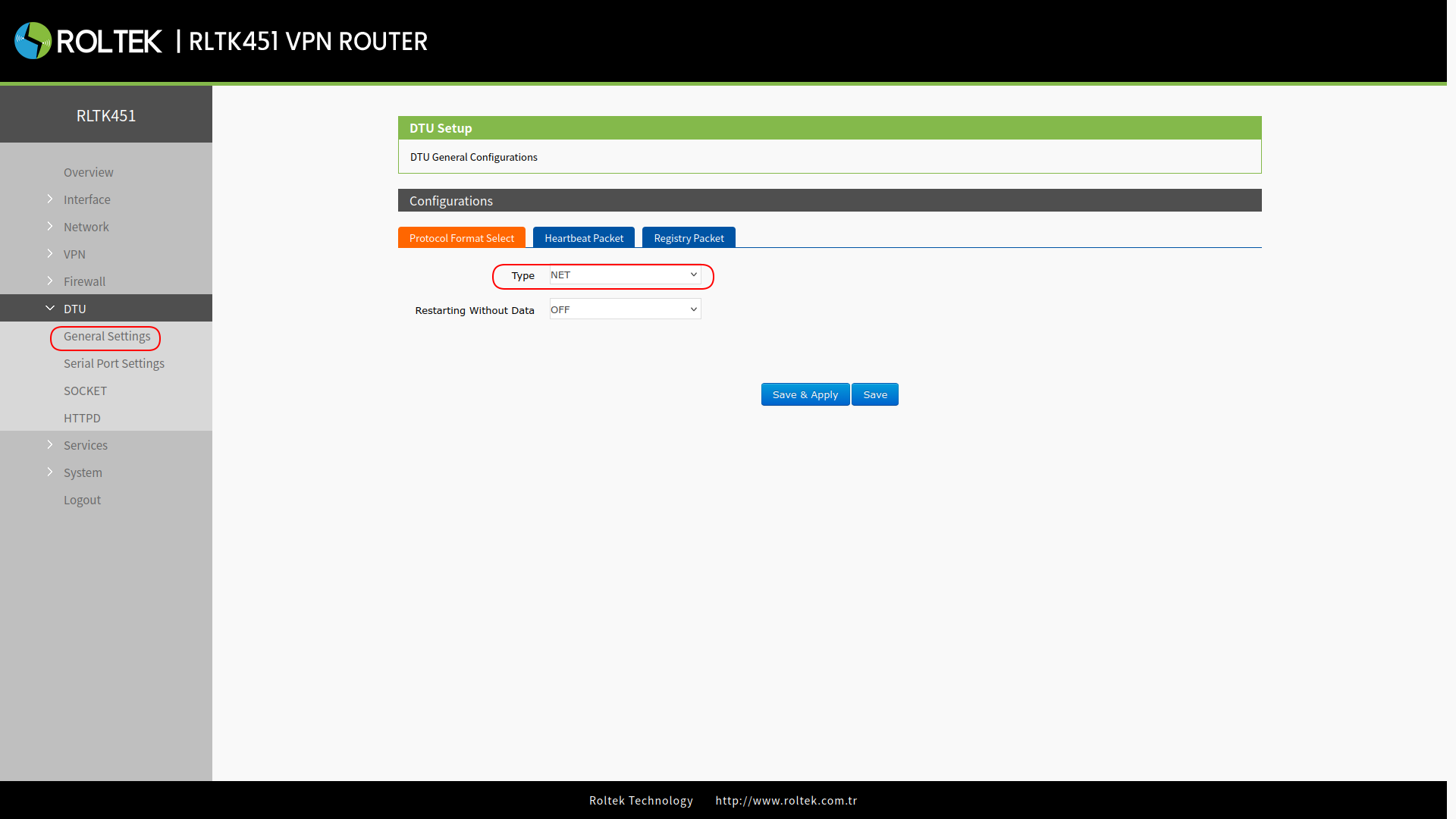
In this mode, the user can provide transparent data transmission between the serial device and the network server with simple parameter settings.
Select the operating mode as NET. Click on Save & Apply.
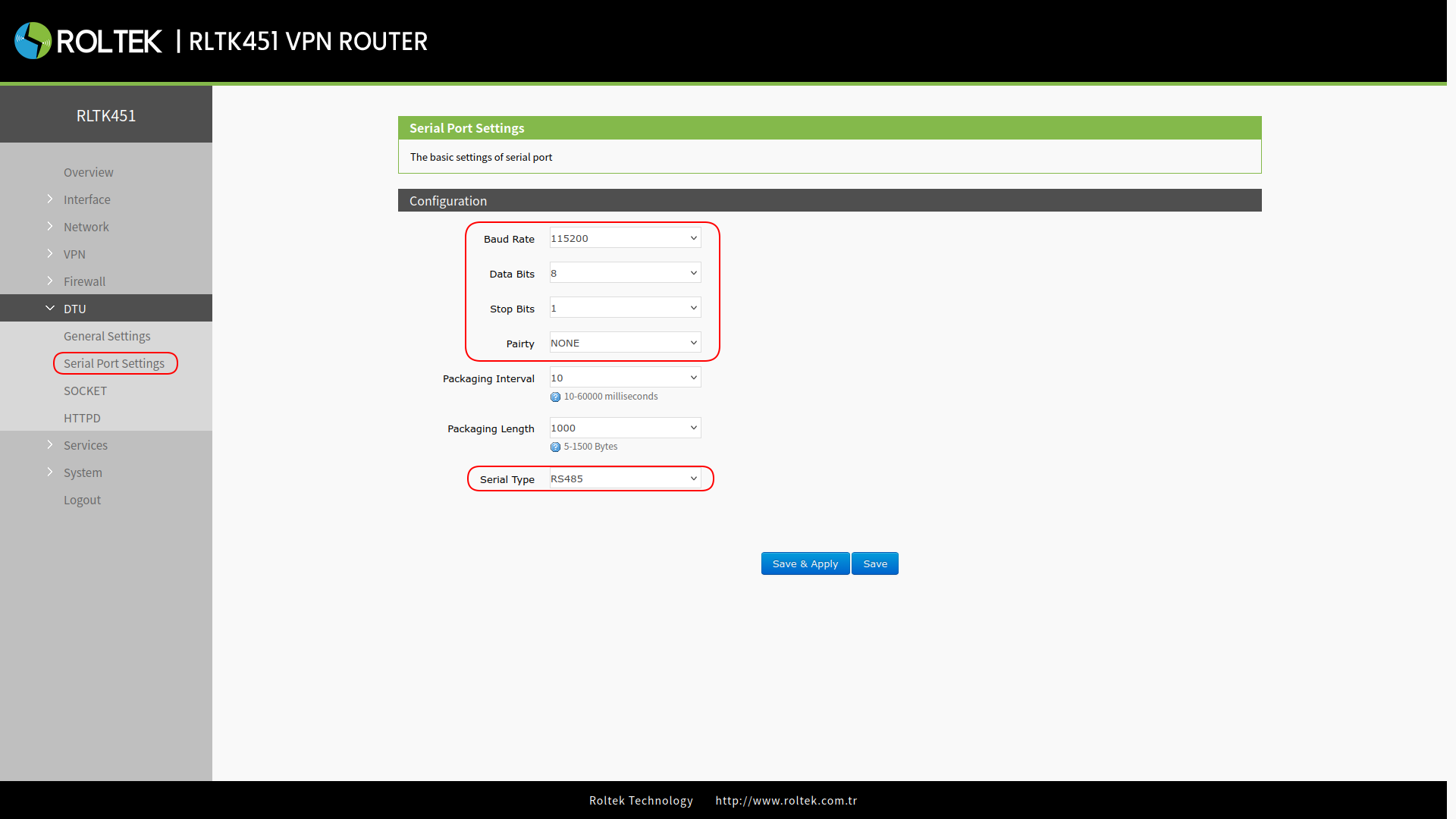
Set the serial port parameters. Click on Save & Apply.
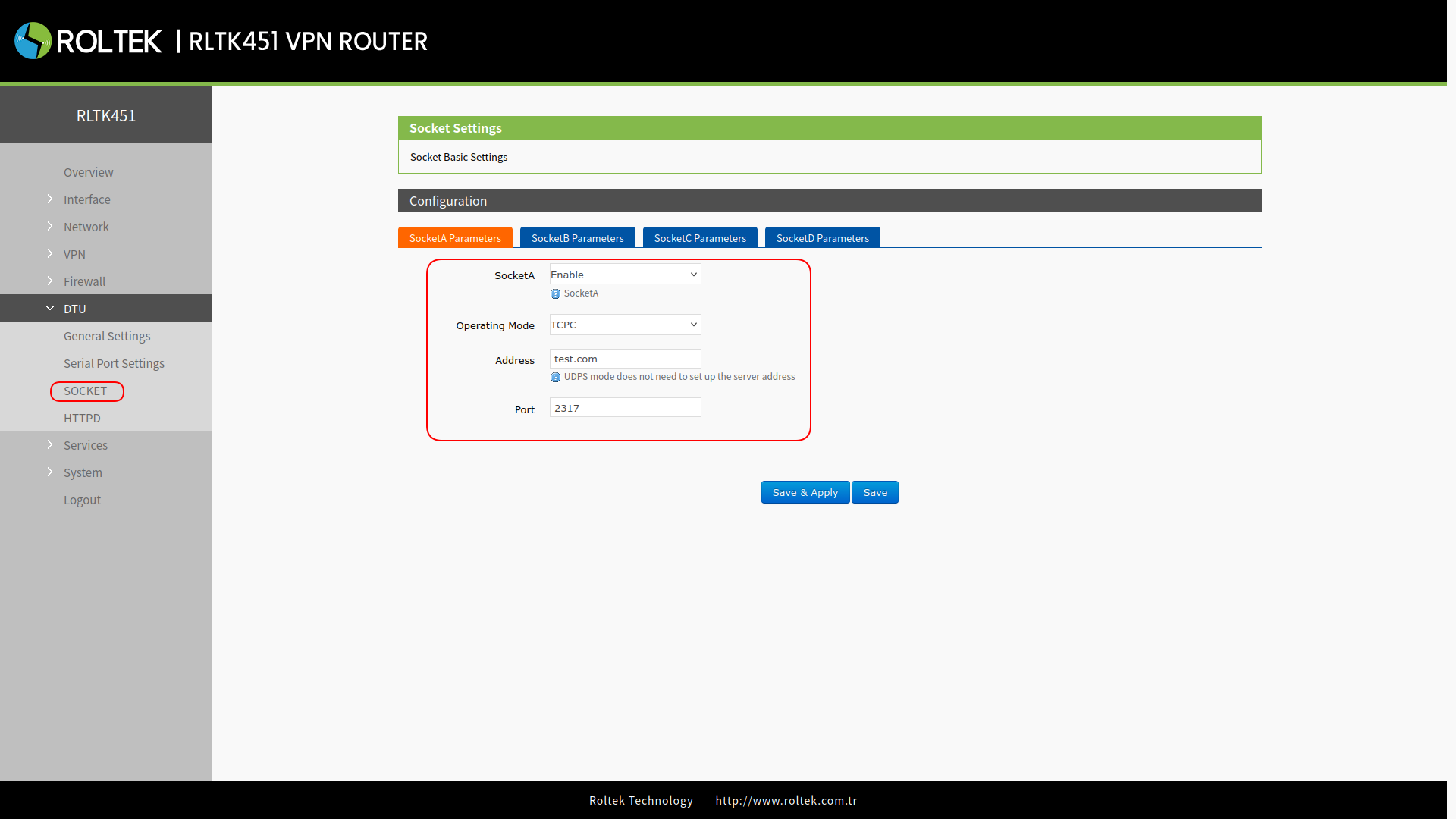
Set the device as TCP Client (TCPC), enter the server address and port. Click on Save & Apply.
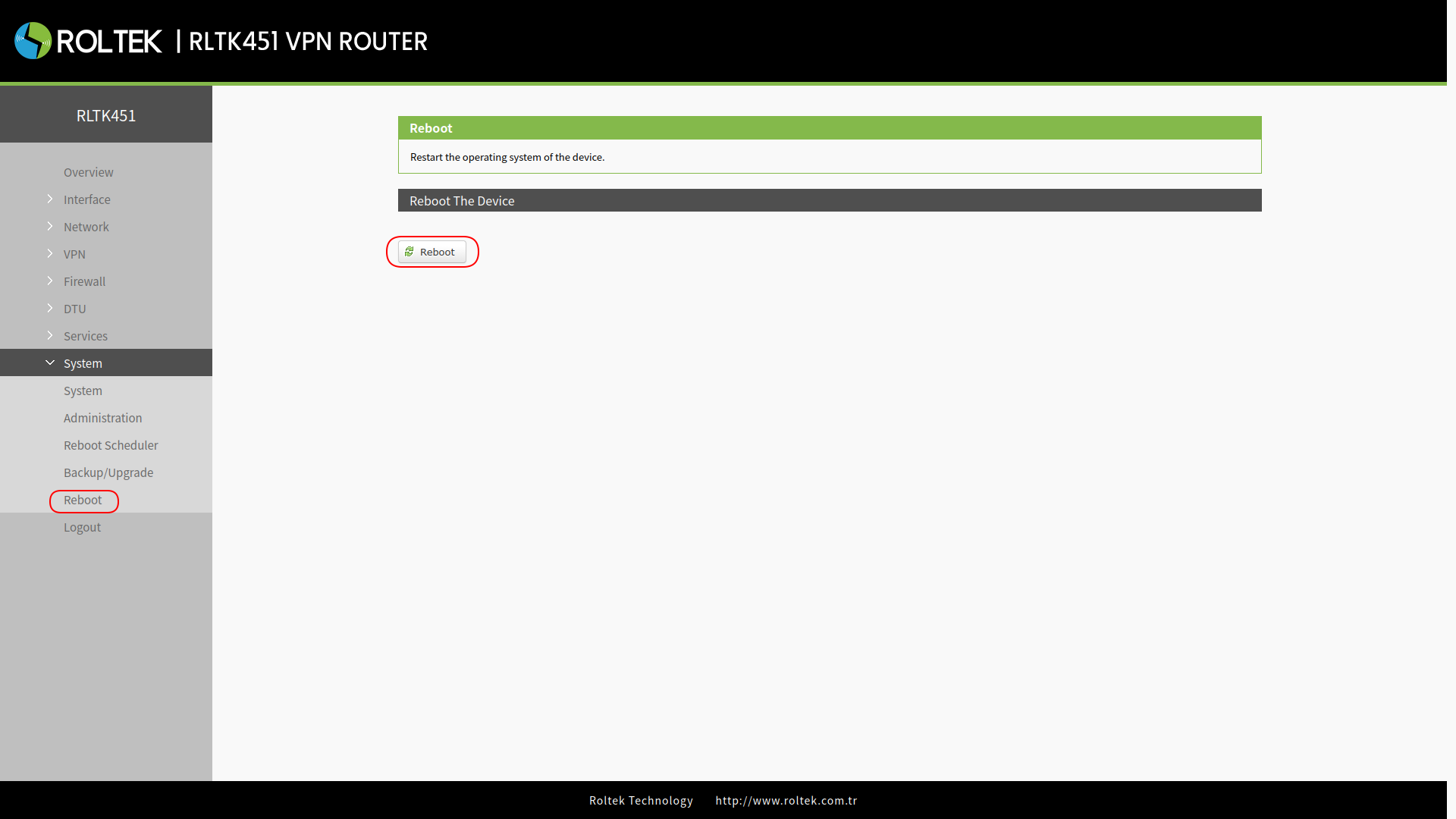
After setting all parameters, restart the device for the parameters to take effect.
After the device restarts, the data transmitted from the serial port will be readable by your server.
Modbus Mode
In this mode, the RLTK451 can perform bidirectional protocol conversion between serial MODBUS RTU data and MODBUS TCP data over the network. The MODBUS mode supports 4 socket connections, and these connections are independent of each other. Socket A provides TCP client/server support, while sockets B/C/D only operate as TCP clients.
Select the operating mode as Modbus. Click on Save & Apply.
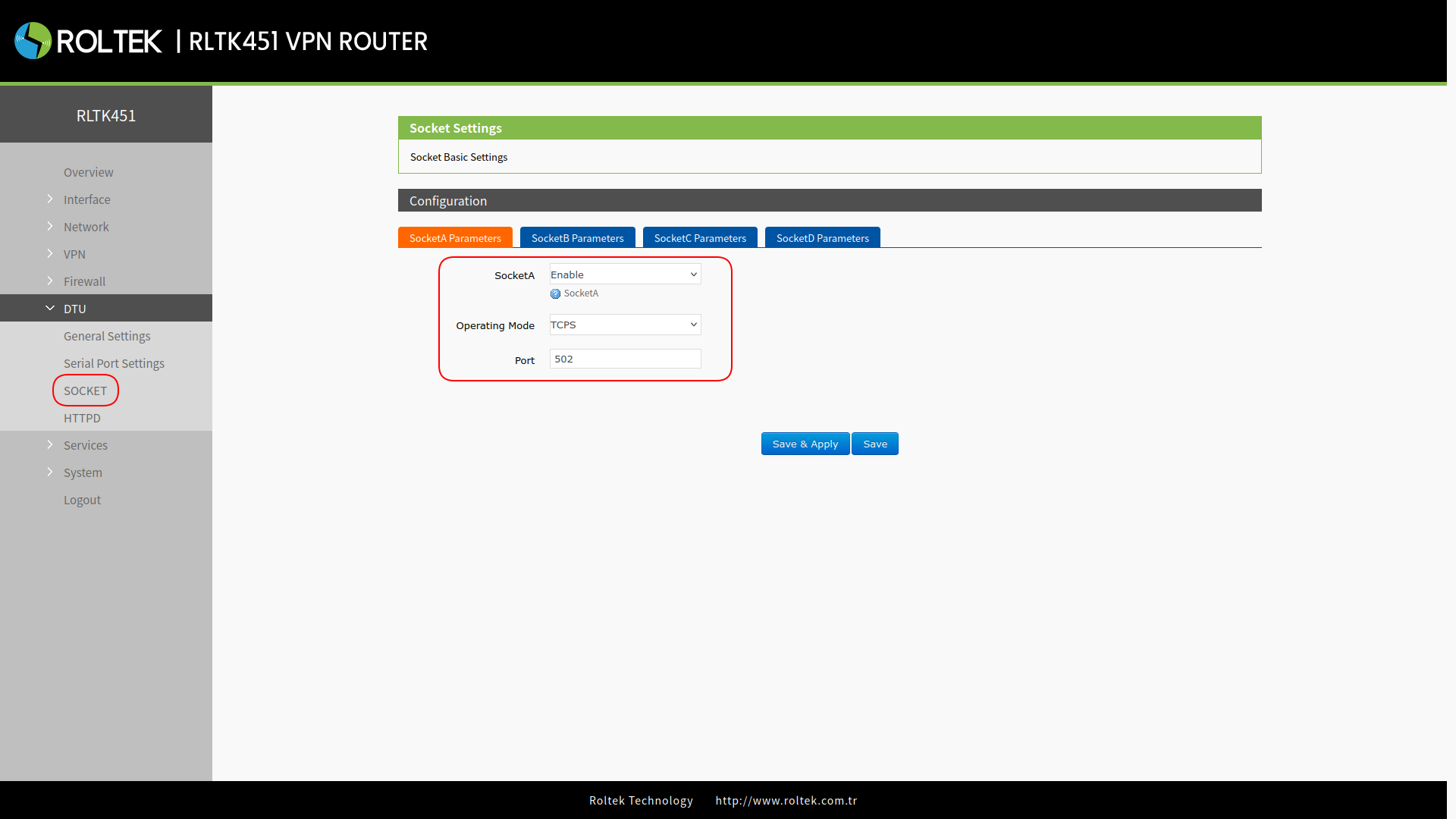
Set the device as TCP Server (TCPS), enter the server port. Click on Save & Apply.
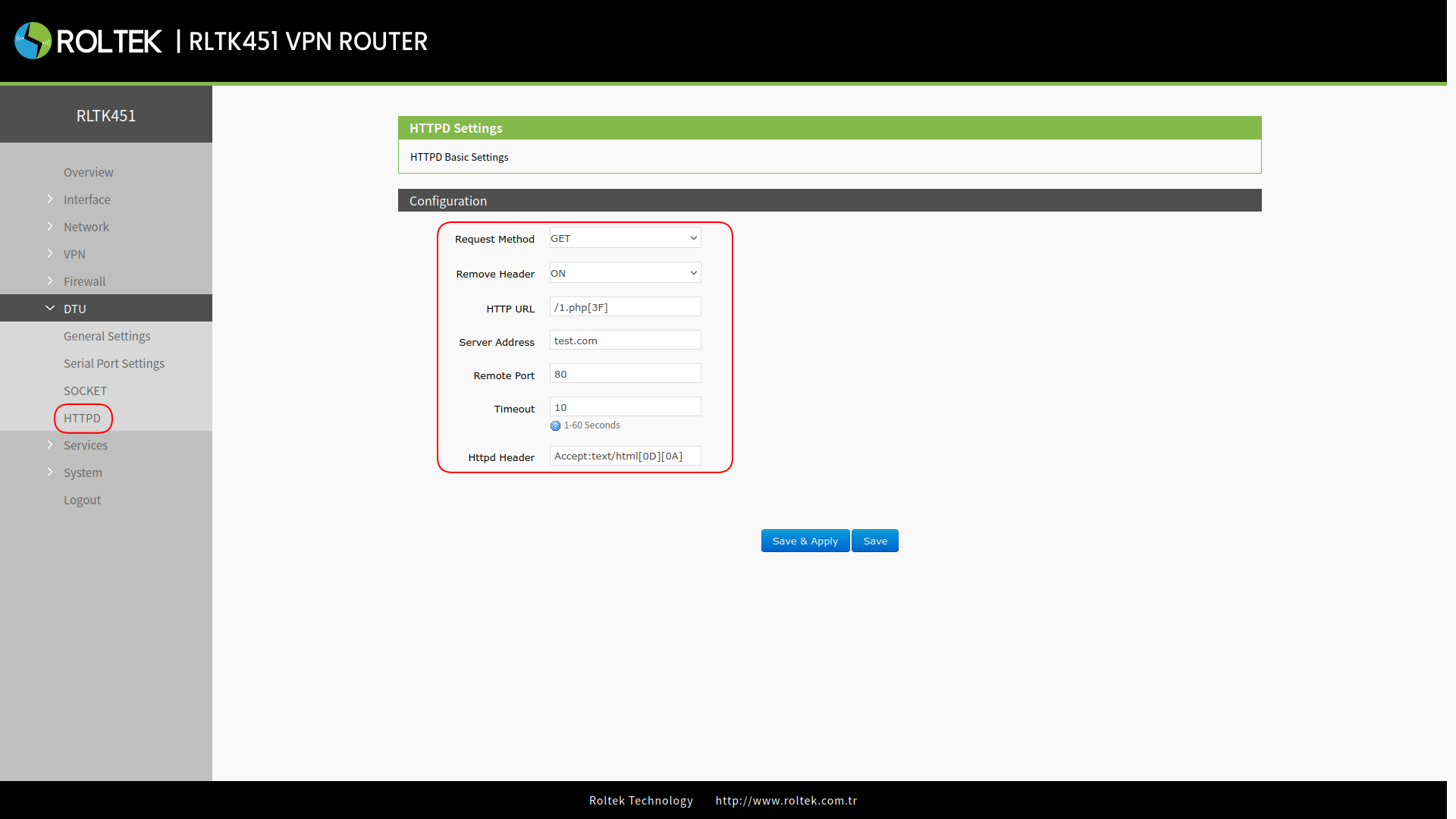
HTTPD Mode
In this mode, the user's serial device can send request data to the HTTP server. The RLTK451 processes the data received from the server and then transmits it to the serial device. By default, the HTTP header in the server data is removed. Users can set whether this feature is enabled or not via AT commands.